- 33 -
NOTE:
Voice on movie clips is recorded via the camera microphone
(see page 10). Take care to avoid touching the microphone
while recording.
The White Balance is set and locked to the settings of the
first frame.
With this camera you can also use the zoom function
during video recording. However, the microphone will be
switched off during the zoom process. If sound recording is
important for a videoclip, avoid using the zoom.
Voice Recording
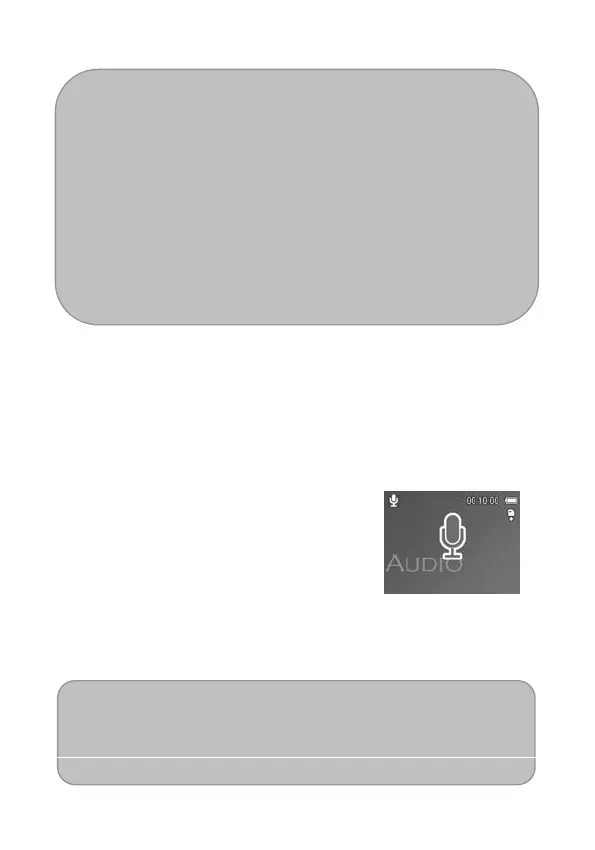
You can record voice using this Nytech DS-5200.
1. Set the camera to the Record
mode (see page 18).
The LCD monitor displays the
available recording time.
2. Press the shutter to start recording.
3. Press the shutter again to end
recording.
The camera will stop recording
automatically when the memory
capacity has been reached.
NOTE:



 To Next Page