- 56 -
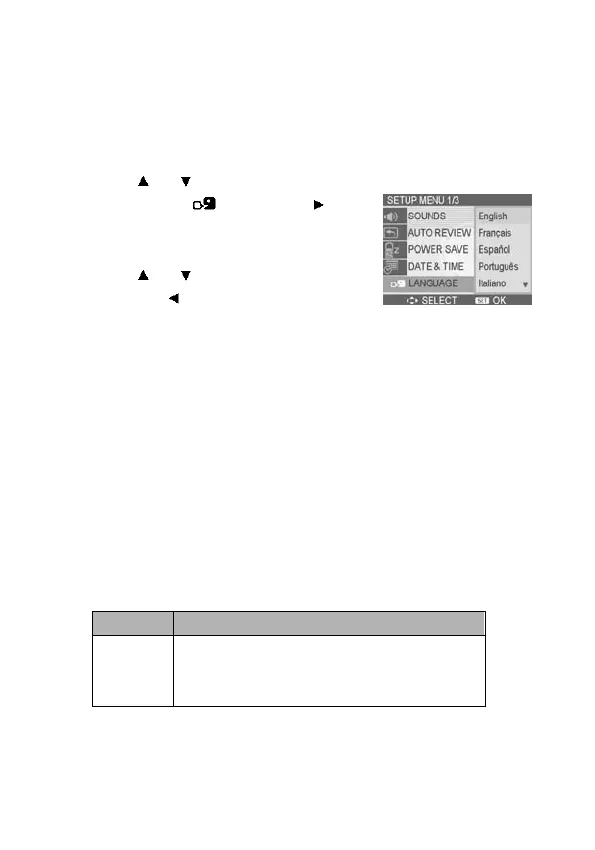
Setting the Language
The Nytech DS-5200 can display menus and other information
in a number of different languages.
1. Set the camera to the Setup Menu
(see page 22).
2. Press
or to select
LANGUAGE (
) then press or
the SET button to launch the
submenu.
3. Press
or to select a language
and press
or the SET button to
apply the setting.
4. Press the MENU button to close the
menu.
Resetting the File Numbers
Use this function if the Nytech DS-5200 experiences a “Folder
cannot be created” error or if you want to restart numbering, for
example, after erasing all files. For detailed operation, see page
22.
Resetting the file number is useful for avoiding file name
duplication when images are downloaded to a computer.
Option Description
Series
Stores the last used file number no
matter whether you delete files or insert
a new memory card.



 To Next Page