- 54 -
Setup Settings
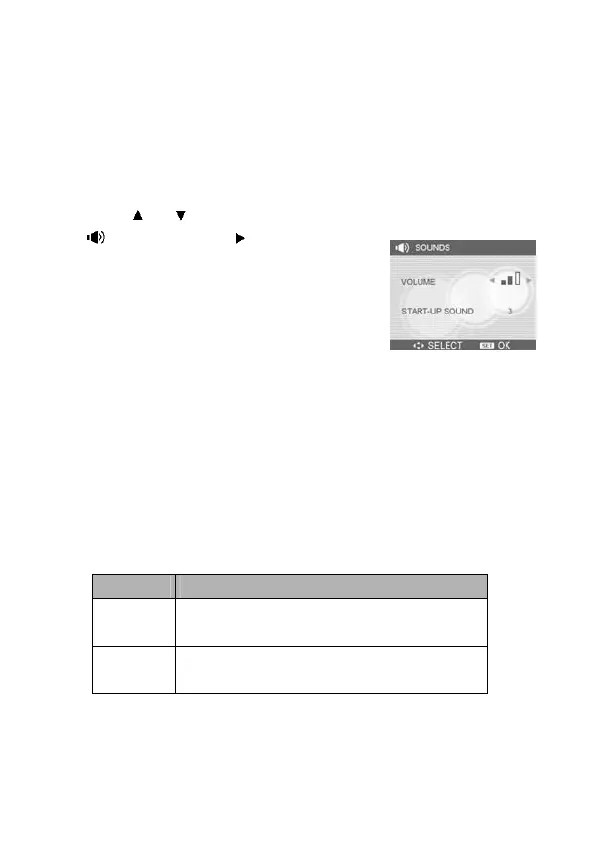
Adjusting Sounds
You can adjust the sound volume and set different sounds as the
start-up sound.
1. Set the camera to the Setup Menu
(see page 22).
2. Press
or to select SOUNDS
(
) and then press or the SET
button to enter the sounds screen.
3. Use the arrow button to adjust the
volume and select a desired start-up
sound.
4. Press the SET button to apply the
setting.
5. Press the MENU button to close the
menu.
Setting Auto Review
When Auto Review is enabled, you can view an image for a few
seconds after you have taken it. For detailed operation, see page
22.
Option Description
Off
The captured image will not
automatically display after shooting.
3 sec.
The captured image will display for 3
seconds after shooting.



 To Next Page