- 53 -
Copying Files
You may want to copy the data from the camera’s internal
memory to the memory card for convenience.
1. Be sure you have inserted a memory
card into your digital camera.
2. Set the camera to Playback mode
(see page 18).
3. Press the MENU button then use
or
to select COPY TO CARD ( )
and press the SET button.
4. Press
or to select SINGLE,
then press the SET button.
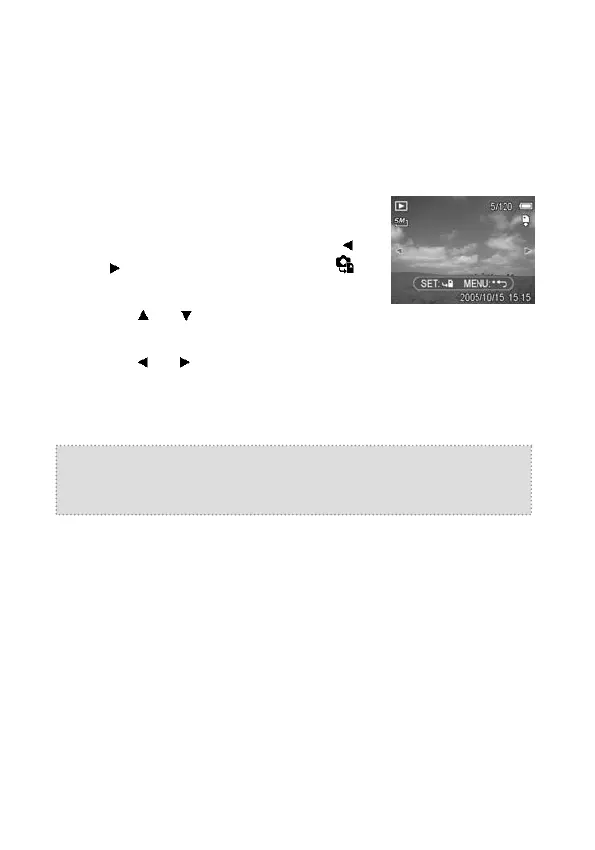
5. Press
or to select the image you want to copy to a card.
6. Press the SET button to start copying.
7. Repeat step 5~6 to copy other images.
8. Press the MENU button to complete the setting.
Tip:
To copy all images to a memory card in one go, select ALL in
step 4 and press the SET button.



 To Next Page