- 65 -
Installing the Software
The bundled software CD has the drivers and software that come
with the camera. Insert the CD into your CD-ROM drive. The
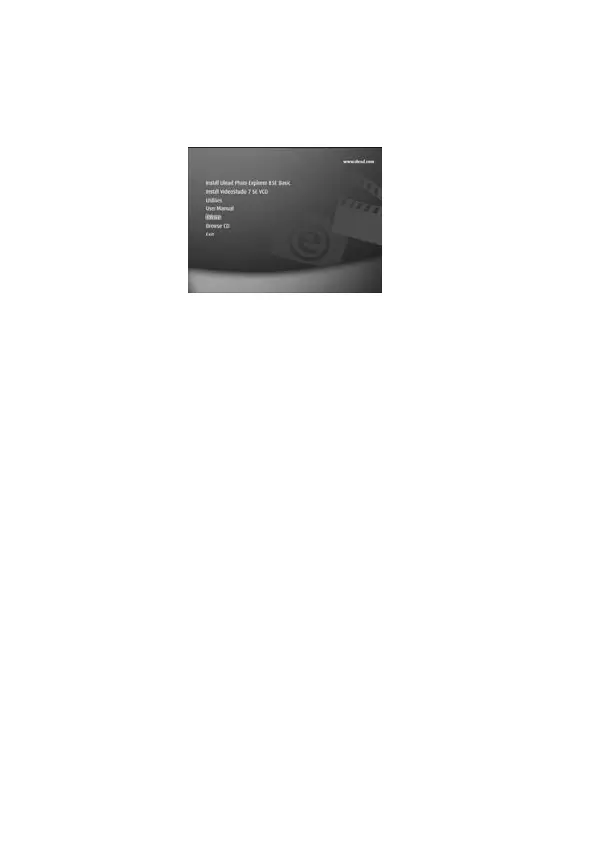
autorun menu appears:
The following software is listed:
Install Ulead Photo Explorer 8 SE Basic
Installs software for organizing and keeping track of
your media.
Install VideoStudio 7 SE VCD
Installs software for editing captured movies.
Utilities
Installs several useful utilities for viewing different
types of media and installs Adobe Acrobat Reader,
which enables you to read documents in PDF format.
User Manual
Opens this user manual.
Drivers
Installs camera drivers for Windows
98SE/ME/2000/XP.



 To Next Page