- 39 -
Setting the Exposure
For correct exposure of images the camera by default measures
the brightness at various points on the image, weighted, but
especially in the center. This is called center-weighted exposure.
There are, however, scenes where high brightness variations
occur. To find the correct exposure for the field in question, use
the spot exposure. To do so, firstly adjust the Nytech DS-5200 so
that the center of the image displays the required field. Press the
shutter button halfway down and hold to measure whilst the
camera adjusts correctly to the scene, and then press the shutter
button fully down. If you wish to use the whole scene area for
measurement, use the Multi setting. Here, various points
distributed over the whole image field will be measured and all
measuring points will be equally weighted.
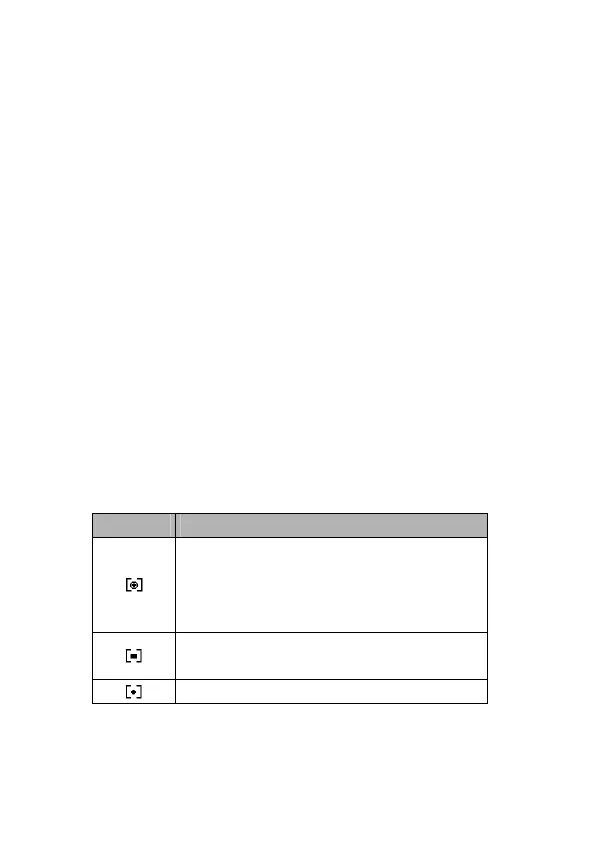
Setting the Metering
There are 3 different light metering options available on your
camera.
Option Description
Light is measured from the entire
shooting screen, but gives more
importance to the values near the
center.
Selects an exposure based on readings
from multiple points in the subject area
Selects an exposure based on a single



 To Next Page