- 46 -
1. Set the camera to the Playback
mode (see page 18).
2. Press the MENU button, then press
or to select DELETE ( ).
3. Press
or to select SINGLE,
and then press the SET button.
4. Press
or to select the image you want to delete.
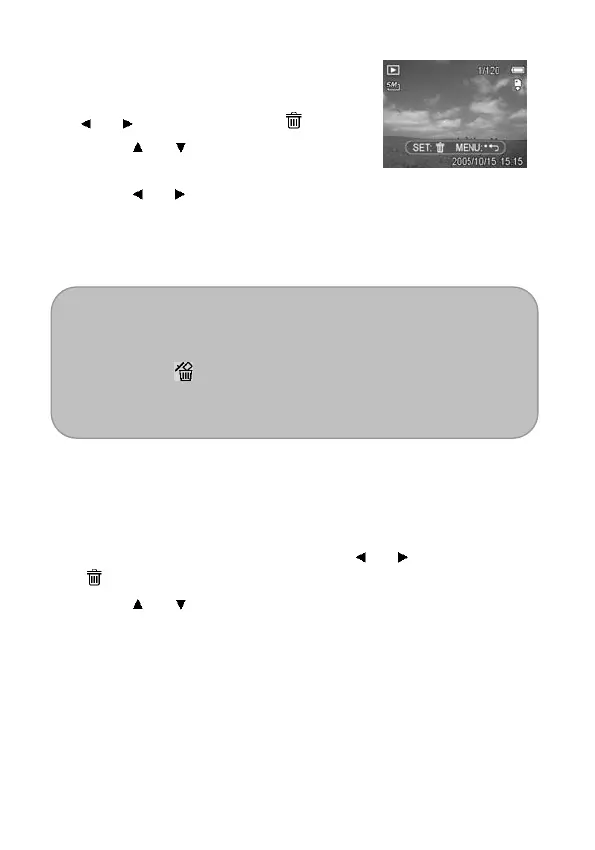
5. Press the SET button to delete the image or press the MENU
button to cancel.
6. Repeat step 4~5 to delete images.
Tip:
To quickly delete the current display image
1. Select the image you want to delete.
2. Press the
button to show a confirmation message.
3. Press the SET button to delete the currently displayed
image.
Deleting All Files
You can use the Playback Menu to delete all files.
1. Set the camera to the Playback mode (see page 18).
2. Press the MENU button, then press
or to select DELETE
(
).
3. Press
or to select ALL, and then press the SET button.
4. Press the SET button to delete all images or press the MENU
button to cancel.



 To Next Page