- 59 -
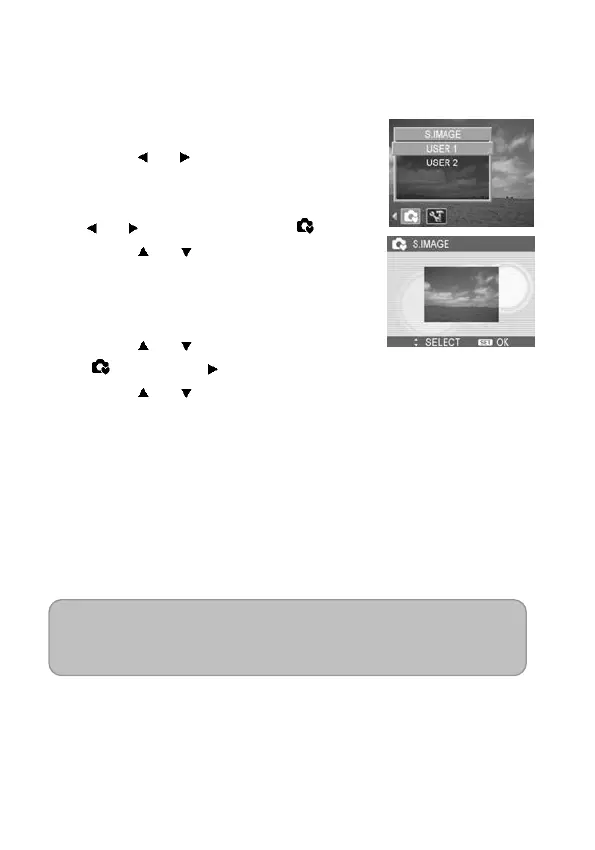
Choosing a Startup Image
You can choose a recorded image as the start-up image.
1. Set the camera to the Playback
mode (see page 18).
2. Press
or to select a desired
image.
3. Press the MENU button, then press
or to select S.IMAGE ( ).
4. Press
or to select an option,
and then press the SET button.
5. Set the camera to the Setup Menu
(see page 22).
6. Press
or to select S.IMAGE
(
) then press or the SET button.
7. Press
or to select a desired
image and press the SET button to
apply the setting.
Without setting images in step 4,
only the default startup image can
be selected.
8. Press the MENU button to close the
menu.
NOTE:
The start-up image will not be deleted even if the original
image is deleted or the memory is formatted.



 To Next Page