- 21 -
Resize
Reduces image size to
smaller.
49
Sticker
Adds funny stickers to
images.
50
Voice Memo
Records a voice memo to a
stored image.
44
S.Image User 1 / User 2 59
Setup More settings 22
ADJ. Menu
You can quickly adjust the White Balance, ISO or Exposure in
Record mode.
1. Press the SET button to display the menu.
When movie recording, only White Balance can be
adjusted.
2. Press
or to select a menu item.
3. Press
or to select an option.
4. Press the SET button to confirm the settings and close the
menu.
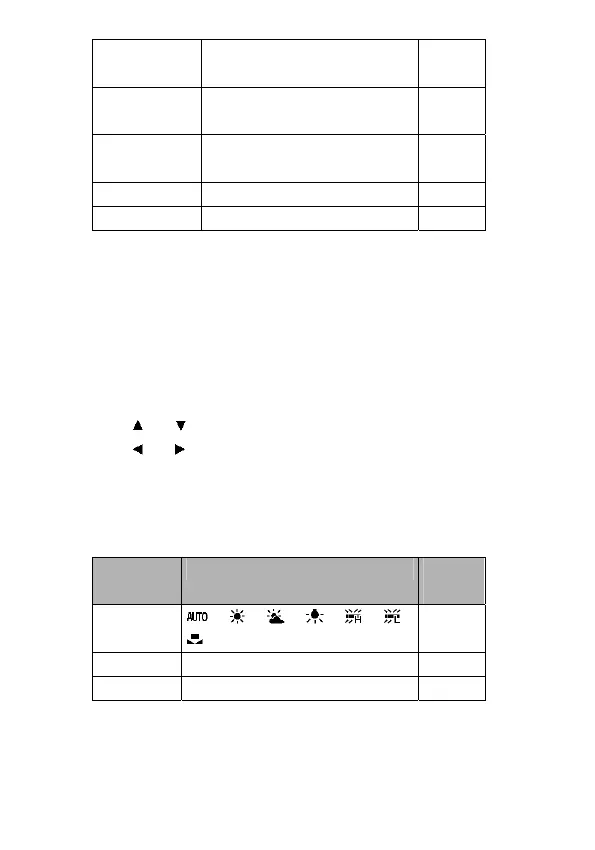
ADJ. Menu
Menu Item Available Setting Refer
page
White
Balance
/ / / / / /
37
ISO AUTO / 50 / 100 / 200 38
Exposure -2.0 to +2.0 38



 To Next Page