- 31 -
Each option automatically switches to single shot in the
following situation:
After each shot.
When the mode switched.
When the camera is turned off.
NOTE:
When using the self-timer function, be sure to use a tripod
or place the digital camera on a level, stable surface.
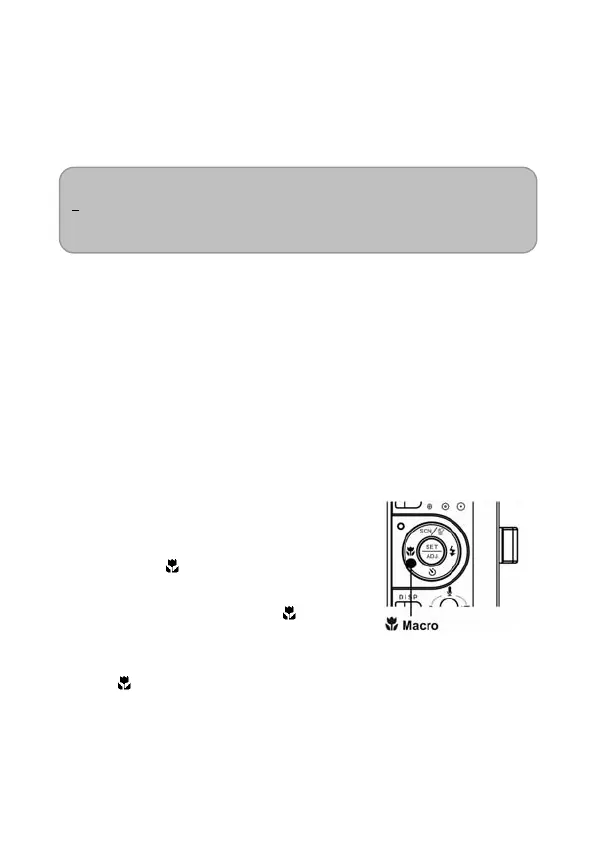
Using the Macro mode
Your Nytech DS-5200 is equipped with a macro function that
allows you to focus on very close subjects. In macro mode you
can focus on subjects 10 cm from the lens when in the
maximum wide angle (zoomed out) setting and 80 cm in the
maximum telephoto (zoomed in) setting.
1. Set the camera to the Record
mode (see page 18).
You can use the macro mode in
still image shooting or movie
recording.
2. Press the
button to enter the
macro mode.
The macro mode icon (
)
appears on the LCD monitor.
3. To leave the macro mode, press
the
button again.



 To Next Page