- 44 -
Playing Back Sounds
1. Set the Nytech DS-5200 to the Playback mode (see page 18).
2. Press
or to select the audio clip that you want to play back.
3. Press the SET button to start playing the audio clip.
4. Press the MENU button to stop the audio clip, or press the SET
button to pause it.
When audio clip is paused, press the SET button again to resume.
Recording a Voice Memo
You can add a voice memo to the still images after you record it.
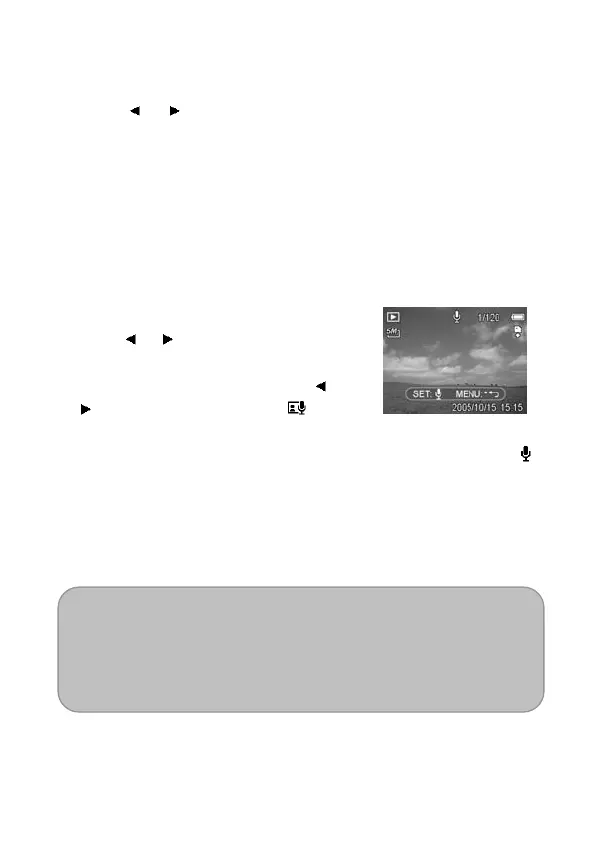
1. Set the camera to the Playback
mode (see page 18).
2. Press
or to select a still image to
which you want to add a voice memo.
3. Press the MENU button, using
or
to select VOICE MEMO ( ) and
press the SET button.
If the image already has the voice memo recorded, the
icon appears on the LCD monitor. The new recording will
replace the previous one.
4. Press the SET button to start recording for 30 seconds, or
press the MENU button to cancel it.
5. Press the SET button again to end recording.
NOTE:
The voice memo cannot be added to a movie clip or a
protected image.
You cannot delete only the voice memo. When you delete the
image, the attached voice memo is also deleted.



 To Next Page