- 30 -
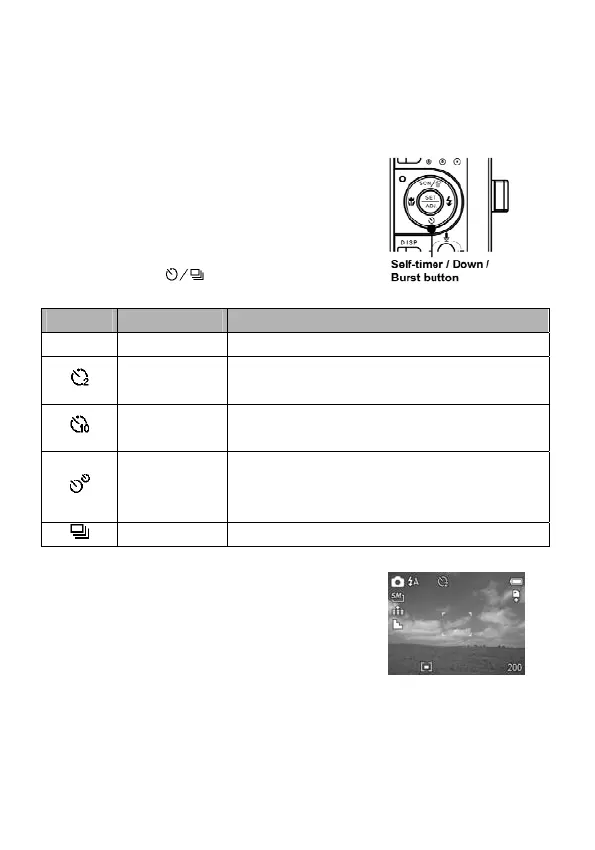
Using the Self-timer & Burst
Use the self-timer to set a delay from the time the shutter button
is pressed to the time the image is shot. Use the burst to shoot
four continuous still images.
1. Set the camera to the Record
mode (see page 18).
This function can only be used
when shooting still images.
2. Press the
button to change
the settings:
Display Option Description
- Single shot Record a single image.
2-SEC
The shutter release will be delayed for 2
seconds.
10-SEC
The shutter release will be delayed for 10
seconds.
Double
Record two images in a shot after
pressing the shutter release button at 10
and 12 seconds.
Burst For capturing 4 images in succession.
3. Shoot the image.



 To Next Page