- 45 -
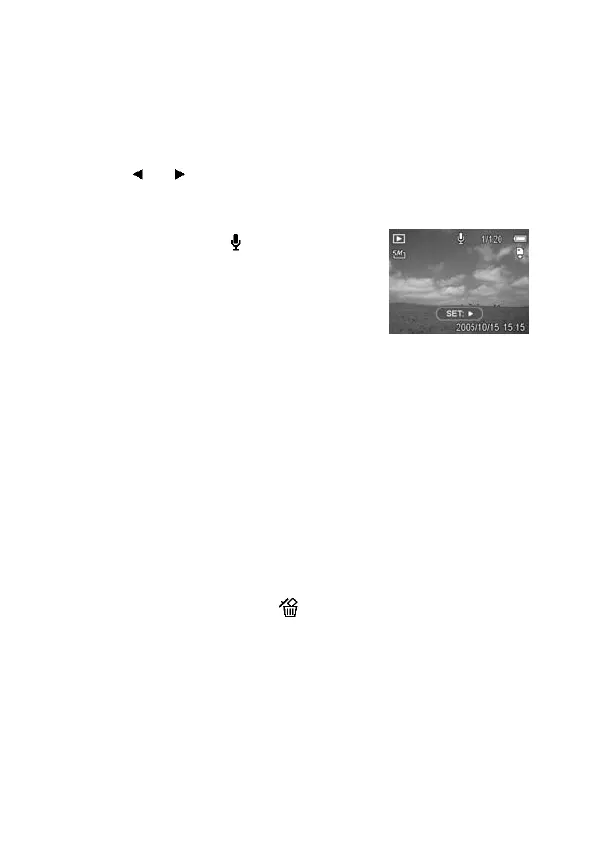
Playing Back a Voice Memo
1. Set the camera to the Playback
mode (see page 18).
2. Press
or to select the image
that has the voice memo recorded.
The image with a voice memo
recorded shows
on the LCD
monitor.
3. Press the SET button to play to voice
memo.
4. Press the MENU button to stop the
voice memo, or press the SET button
to pause it.
When voice memo is paused,
press the SET button again to
resume.
Deleting Files
Deleting a Single File
Single images can be deleted using the Playback Menu or by
pressing the camera button (
).



 To Next Page