- 34 -
Voice is recorded via the camera microphone (see page
10). Take care to avoid touching the microphone while
recording.
Setting the Recording Functions
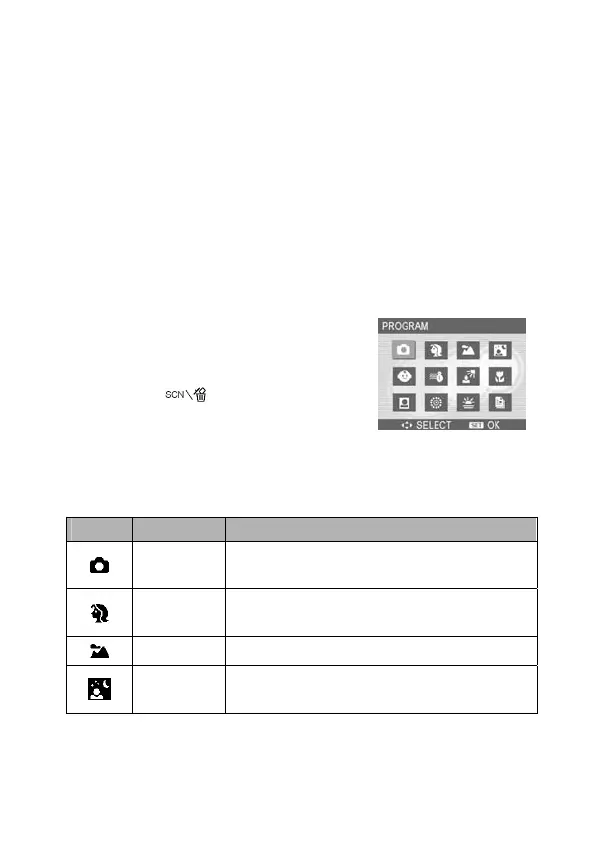
Using the Scene Mode
You can select from various scene modes for specific shooting
conditions.
1. Set the camera to the movie
Record mode (see page 18).
The scene mode function can
only be used in still image
shooting.
2. Press the
button to show
the Scene Mode screen.
3. Use the arrow button to select a
desired scene mode and press the
SET button to confirm the setting.
Display Option Description
Program
All settings can be changed in this
mode.
Portrait
Blurs the background to focus on the
subject.
Landscape Used for wide scenic views.
Night
Scene
Shoots the subject whilst keeping the
background night scenery.



 To Next Page