- 18 -
Switching between Record and Playback
You can switch between the Record mode and the Playback
mode in following ways:
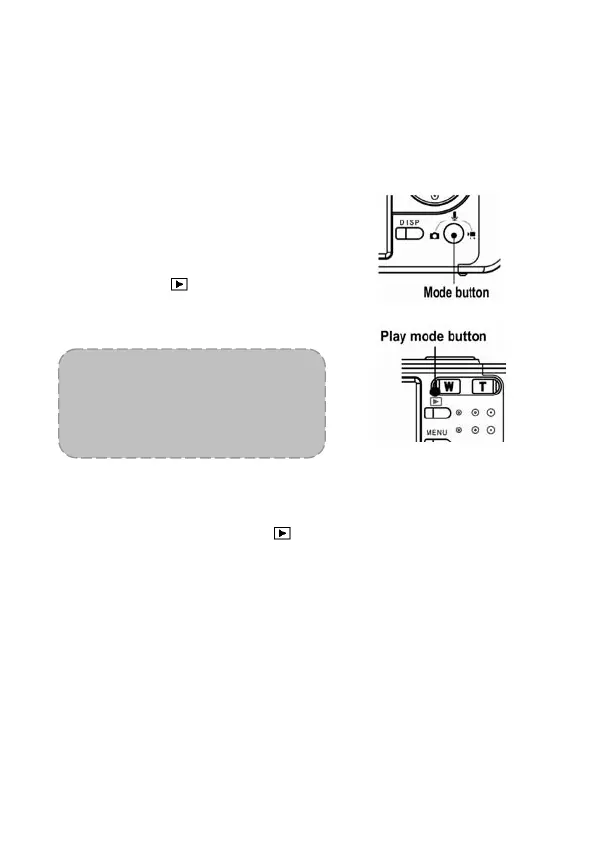
In Record mode
Press the MODE button to cycle
through the still image shooting,
voice recording and movie
recording.
Press the
button to switch to
the Playback mode.
NOTE:
If you switch to Playback mode,
the lens will retract after
approximately 10 seconds.
In Playback mode
Press the MODE or the
button
to switch to the previously used
Record mode.



 To Next Page