- 36 -
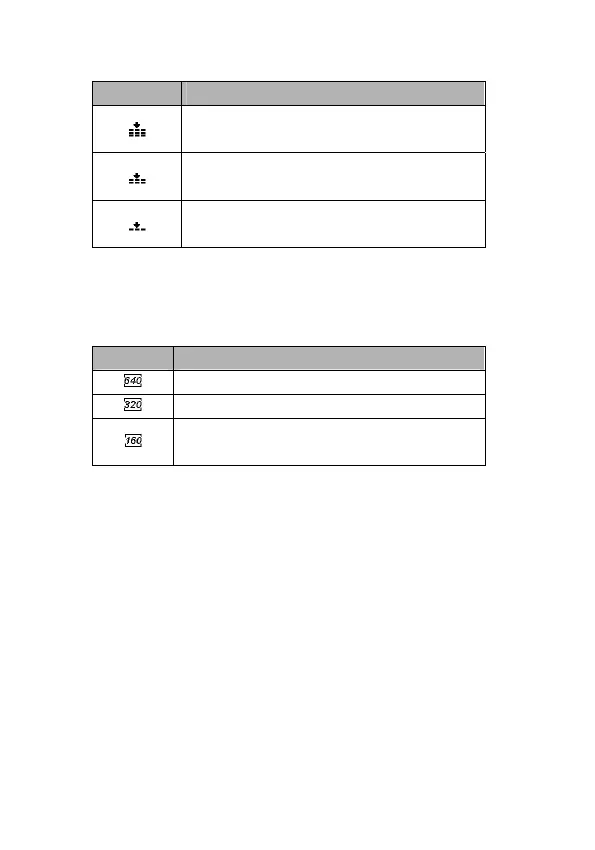
Quality
Option Description
Stores the image with an extremely low
compression.
Stores the image with a low
compression.
Stores the image with normal
compression.
Setting the Movie Size
Movie clips can be shot with different size.
Option Description
640x480 - Suitable for viewing on TV.
320x240 - Suitable for viewing on PC.
160x128 – For attaching to e-mails or
using on websites.
Setting the Stabilizer
Use this function to create smooth, gliding shots when you’re
walking or moving around, reducing camera shake. This only
works when the memory card has been inserted in video mode.



 To Next Page