- 52 -
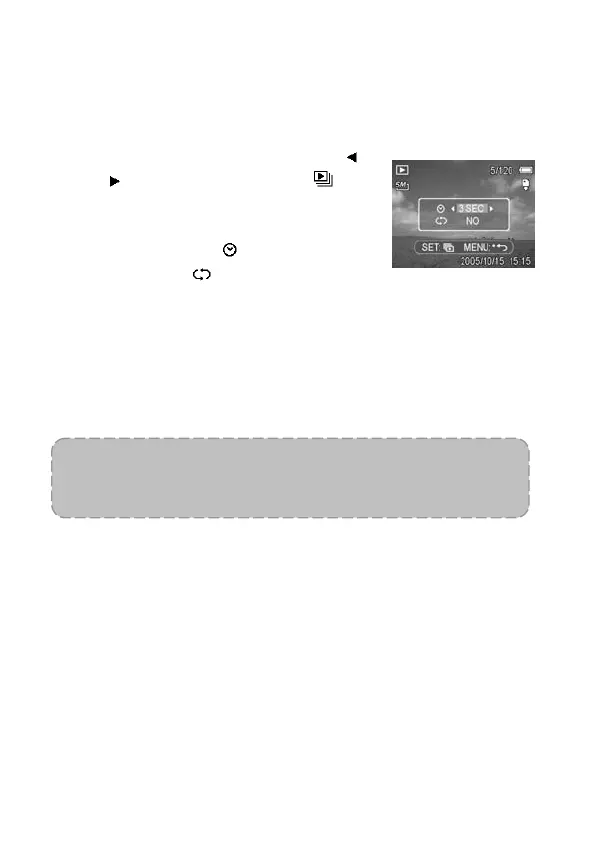
Playing a Slide Show
You can set the camera to display images in a slide show.
1. Set the camera to the Playback mode
(see page 18).
2. Press the MENU button, then use
or
to select SLIDE SHOW ( )
and press the SET button.
3. Use the arrow button to set the
playback interval (
) and whether to
repeat or not (
).
You can set the interval between
1~10 seconds.
4. Press the SET button to start the slide show, or press the
MENU button to cancel.
During the slide show, press the SET button to pause the
slide show and press the SET button again to resume.
NOTE:
The slide show function is not available for movie clips and
voice recording.



 To Next Page