- 49 -
The rotated image will be saved as
a new file name.
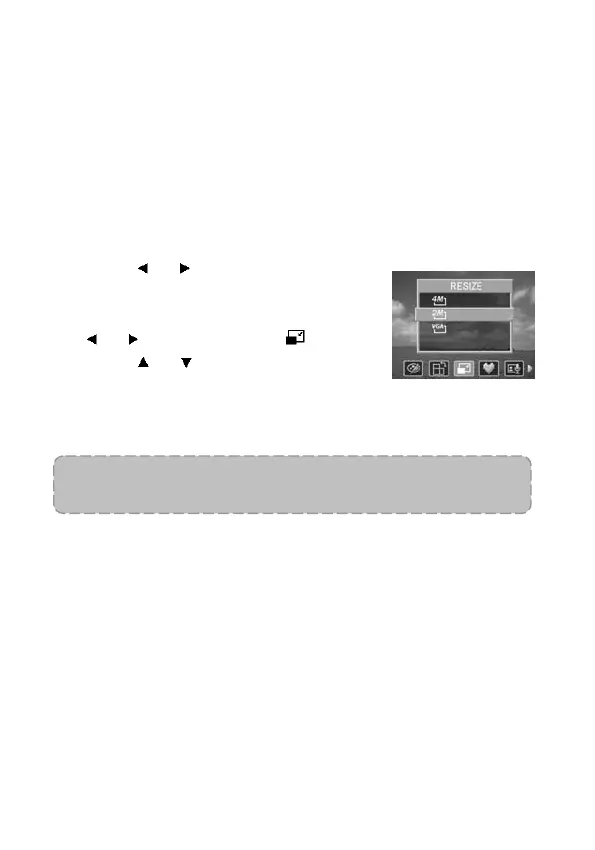
Changing the Image Size
The resolution of still images that have already been recorded
can be changed.
1. Set the camera to the Playback mode
(see page 18).
2. Press
or to select the image
you want to resize.
3. Press the MENU button, then press
or to select RESIZE ( ).
4. Press
or to select an option,
and then press the SET button.
The resized image will be saved
with a new file name.
NOTE:
Only a large size image can be resized to a smaller one.



 To Next Page