- 48 -
Tip:
To unlock the file, press the SET button again in step 5. The
will disappear and the file is unlocked.
To lock / unlock all files in one go
1. Set the camera to the Playback mode (see page 18).
2. Press the MENU button, then press or to select
PROTECT ( ).
3. Press
or to select LOCK ALL (or UNLOCK ALL),
and press the SET button.
A confirmation message appears.
4. Press the SET button to lock (or unlock) all files, or press
the MENU button to cancel.
Editing Images
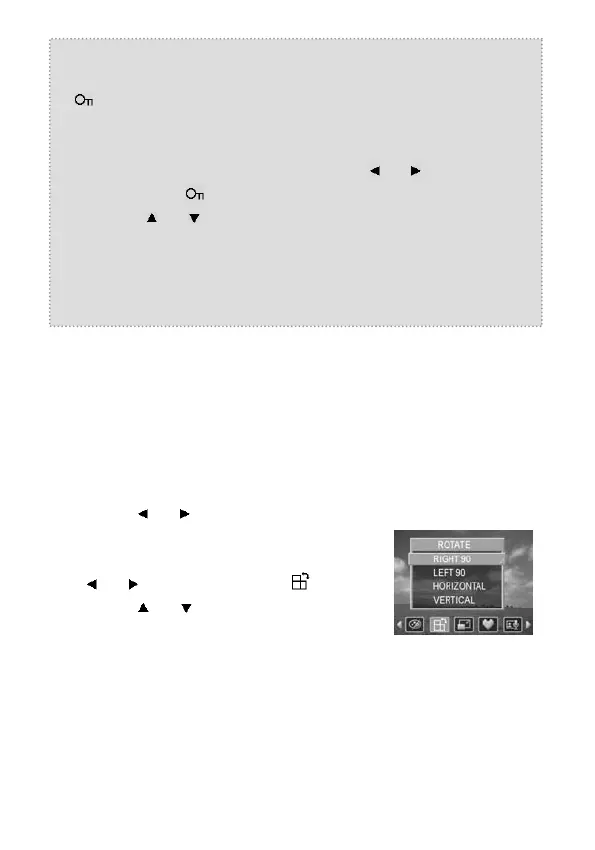
Rotating Still Images
The still images can be rotated by various degrees.
1. Set the camera to the Playback mode
(see page 18).
2. Press
or to select the image
you want to rotate.
3. Press the MENU button, then press
or to select ROTATE ( ).
4. Press
or to select an option,
and then press the SET button.
5. Press the SET button to confirm the
change or press the MENU button to
cancel.



 To Next Page