- 43 -
4. Press the SET button to set the
image trimming.
5. Press the SET button again to trim
the selected image and save it as a
new one.
Press the MENU button to
cancel it.
NOTE:
Only still images can be magnified and trimmed.
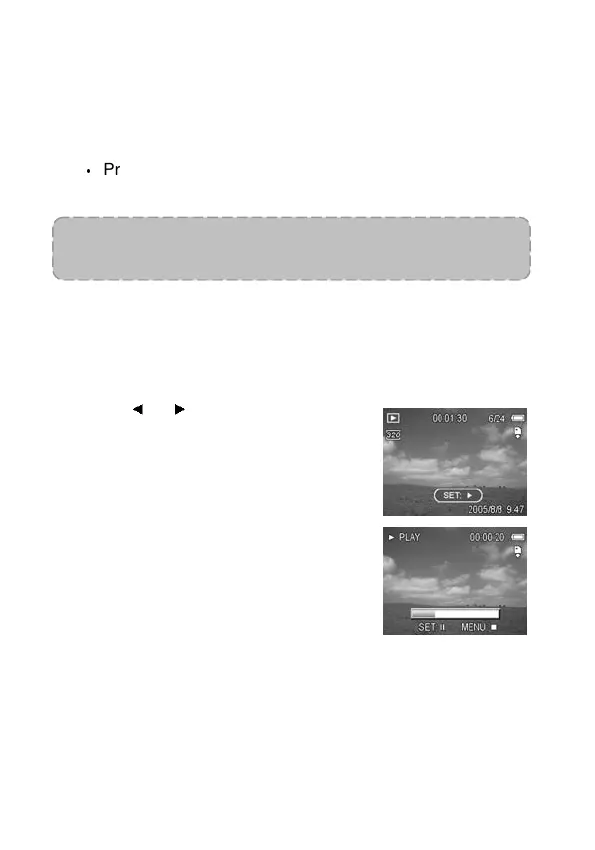
Playing Back Movie Clips
1. Set the camera to the Playback
mode (see page 18).
2. Press
or to select the movie
clip that you want to playback.
3. Press the SET button to start the
movie.
The movie clip will play on the
LCD monitor.
4. Press the MENU button to stop the
movie, or press the SET button to
pause the movie.
When the movie clip is paused,
press the SET button again to
resume.



 To Next Page