- 35 -
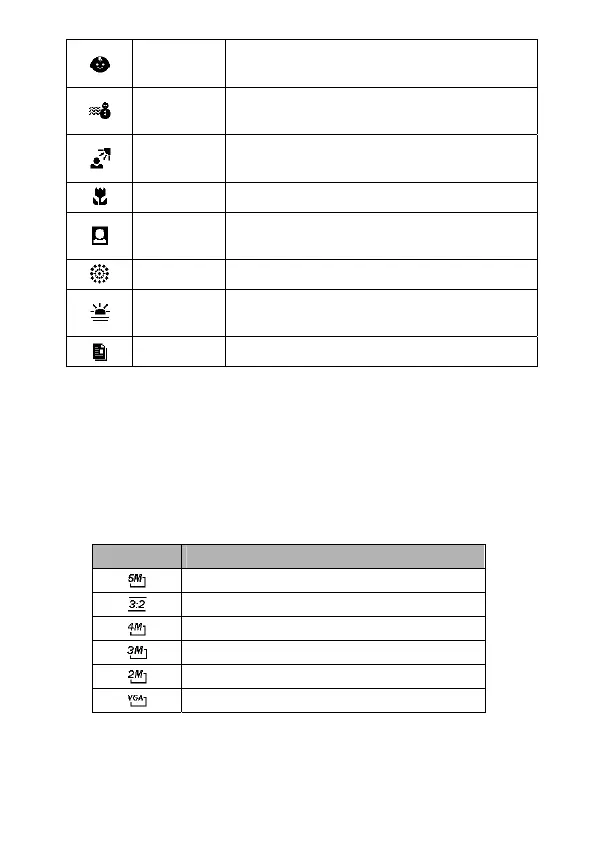
Kids
Takes a still image to capture moving
kids.
Beach &
Snow
Used for beach or snow scenes.
Backlight
Shoots the image of backlight object by
changing metering.
Close-up Close-up shooting for small subjects.
ID Photo
Takes an ID photo and print out on
postcard-sized paper.
Fireworks Used for the firework scenes.
Sunset
Enhances the red hue for recording
sunset images.
Text Enhances black & white contrast.
Setting the Resolution and Quality
You can select lower image resolution and quality to decrease
the image size and capture more images. Choose a suitable
setting according to the desired image quality and purpose.
Resolution
Option Description
2592x1944 pixels
2560x1712 pixels
2272x1704 pixels
2048x1536 pixels
1600x1200 pixels
640x480 pixels



 To Next Page