- 19 -
Using the Menus
Recording Menu / Playback Menu
When a menu screen is displayed, the arrow button and the
SET button are used to make the desired settings.
1. Press the MENU button to display the menu.
The menu displayed depends on whether you are in the
Record mode or the Playback mode.
2. Press
or to select a menu item.
3. Press
or to change the setting.
In playback menu, press
or to select an option, and
then press the SET button to display a confirmation screen
or apply the setting.
4. Press the MENU or the SET button to save the settings and
close the menu.
In playback menu, press the MENU button to close the
menu.
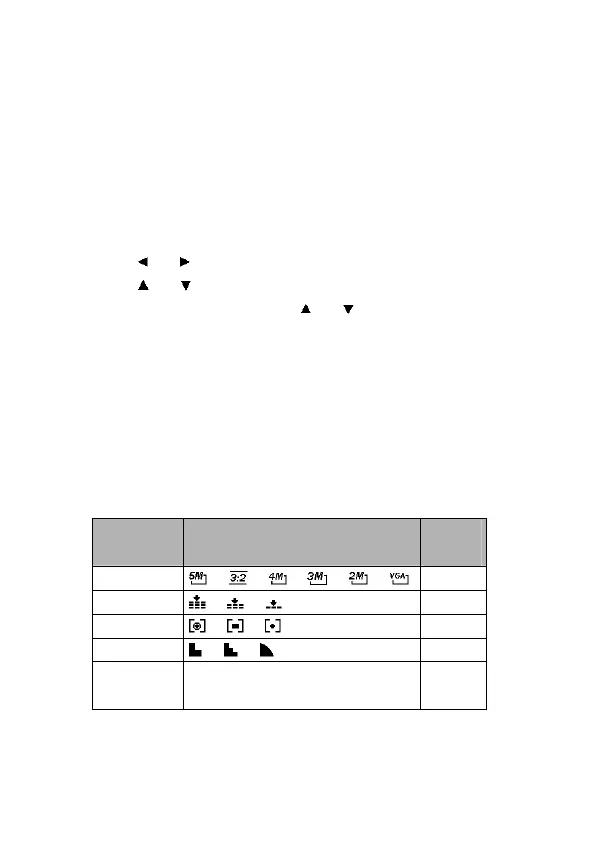
Record Menu (Still Image)
Menu Item Available Setting Refer
page
Resolution / / / / / 35
Quality / / 35
Metering / / 39
Sharpness / / 40
Effect
Off / B&W / Sepia / Neg. Art /
Red / Green / Blue
40



 To Next Page