- 42 -
2. Press to play back the
previous image: press
to
play back the next image.
speed.
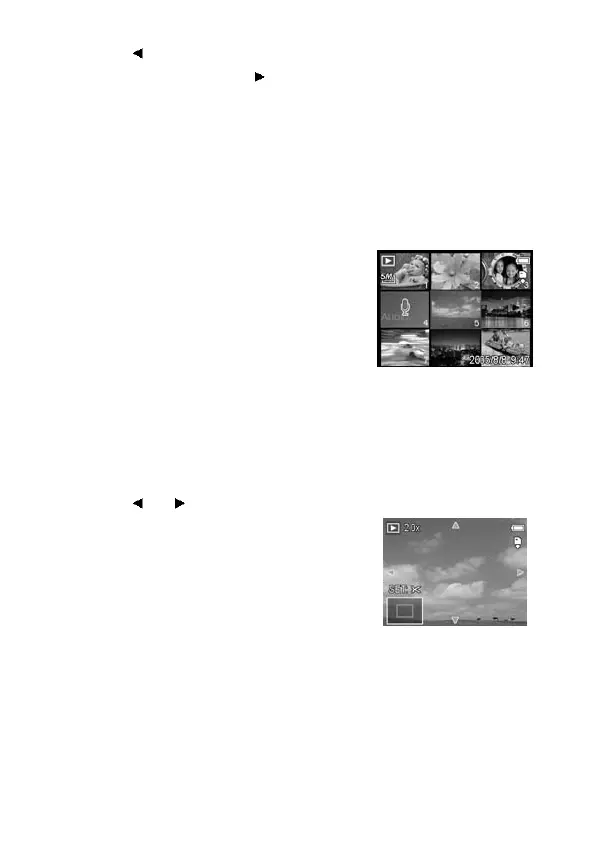
Using the Thumbnail
When in Playback mode, you can view all your stored images in
thumbnail format.
1. Set the camera to the Playback
mode (see page 18).
2. Press the zoom lever [W]: a
thumbnail screen is displayed.
3. Use the arrow button to select the
desired image, and press [T] or the
SET button to show the selected
image in full screen.
Magnifying & Trimming Still Images
1. Set the camera to the Playback
mode (see page 18).
2. Press
or to select the image
that you want to magnify or trim.
3. Press [T] to magnify the image: the
central portion of the image is
displayed. You can use the arrow
button to view different parts of the
magnified image.
Press the MENU button to return
to the normal size.



 To Next Page