- 32 -
NOTE:
Distances referred to measure the distance between the
camera lens surface and the subject.
Recording Movie Clips
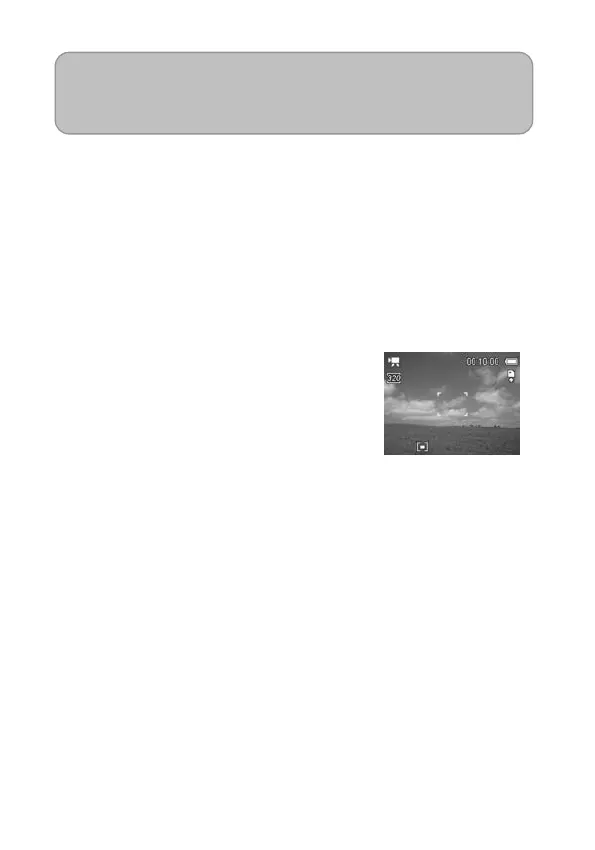
Your Nytech DS-5200 can record movie clips with audio.
1. Set the camera to the movie
Record mode (see page 18).
The LCD monitor displays the
available recording time.
2. Press the shutter to start recording.
3. Press the shutter again to end
recording.
The camera will stop recording
automatically when the memory
capacity has been reached.



 To Next Page