- 27 -
NOTE:
Make sure that your fingers or the wrist strap do not block
the lens.
When the shutter release button is pressed halfway down,
check the exposure value that appears on the LCD monitor
to make sure that it is appropriate for the lighting conditions.
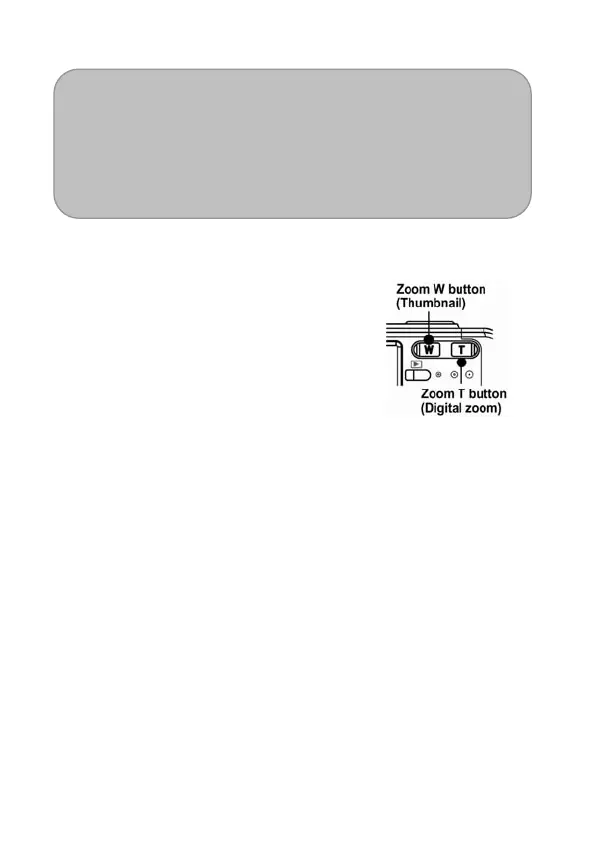
Using the Zoom Function
Your Nytech DS-5200 has a
combination of optical and digital
zoom functions that allow you to
zoom in on far away subjects or
zoom out for a wide angle shot.
The optical zoom is achieved by
mechanically adjusting the lens of
the camera. The digital zoom
enlarges or shrinks the image using
a software process.
When the zoom lever is pressed,
the zoom bar appears on the LCD
monitor.
Press [W] to zoom out for a
wide-angle shot.
Press [T] to zoom in for a
telephoto shot.



 To Next Page