Special copy and scan jobs 101
Editing functions
The Océ TDS600 Copier has editing functions. You set the functions before
you scan the original.
Note:
You can select only one edit function at a time.
Auto align
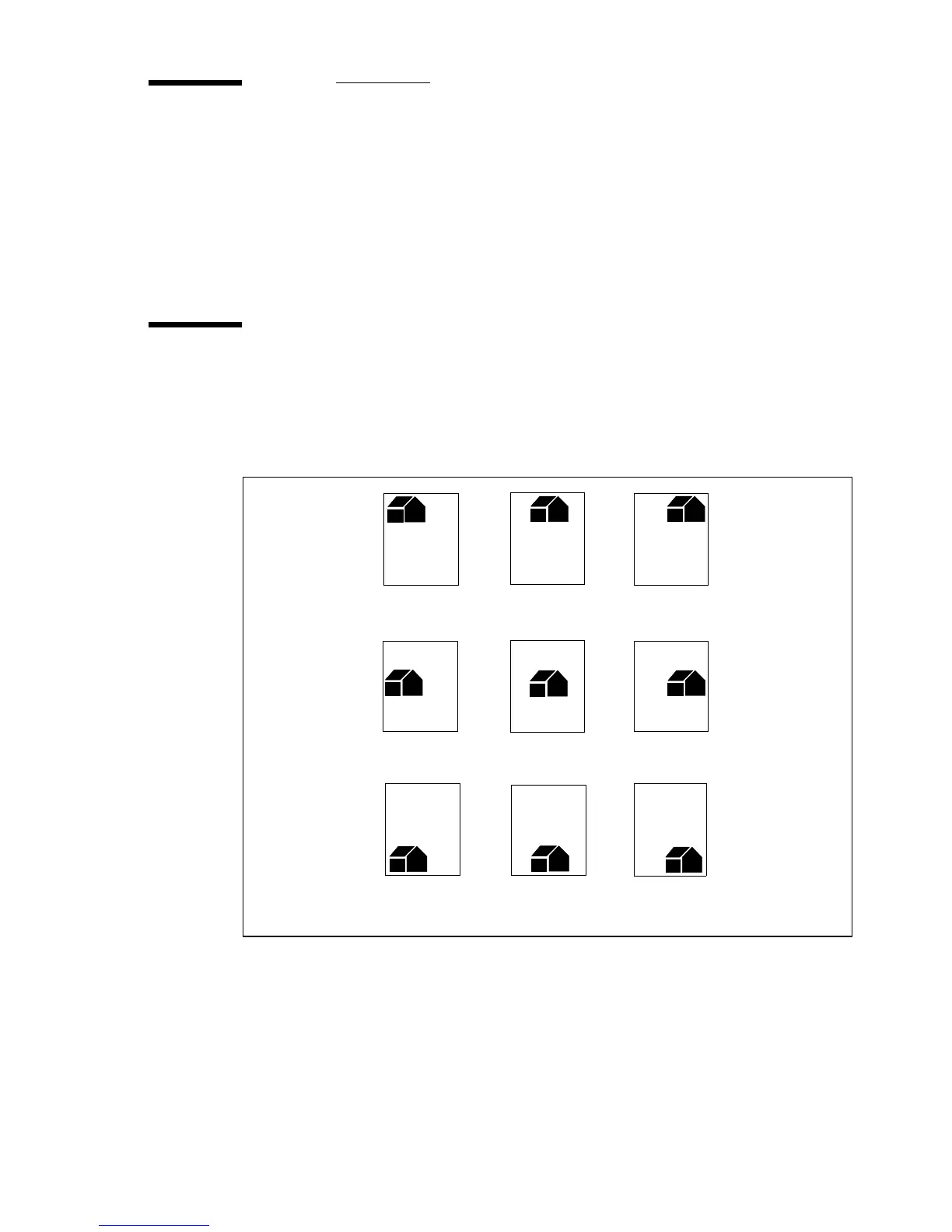
To align the image automatically to a side of the print you can use the
alignment functions of the Océ TDS600 scanner. Alignment is possible in the
following ways (see figure 62):
[62] Auto align options with standard cut option active
▼
▼▼
▼
Select default settings for auto shifting with standard cut option
Note:
You must switch on standard cut length to get copies like the one in
the example of illustration 62 above.
1
Open the ‘Layout’ card in the ‘Print’ section.
Top Left Top Middle Top Right
Middle Left Middle Middle Right
Bottom Left Bottom Middle Bottom Right



 To Next Page