58 Océ TDS600 Multifunctional Digital System User Manual
Before you begin
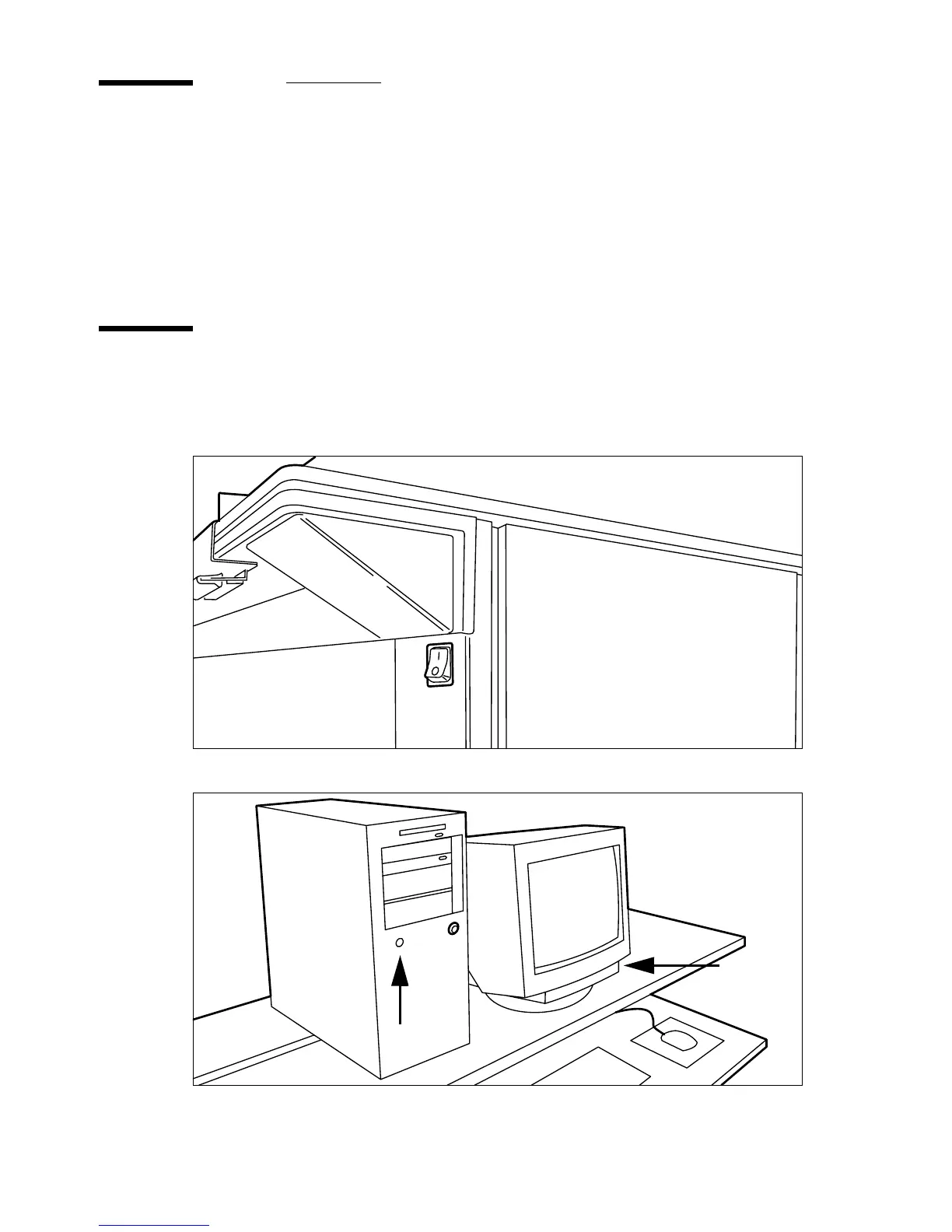
You must switch on both the Océ TDS600 scanner and the Océ Power Logic
controller before you can scan. You do not have to use a specific order in which
youswitchonorofftheOcéTDS600scannerandtheOcéPowerLogic
controller.
Switch the Océ TDS600 scanner on
You switch on the Océ TDS600 scanner with the on/off switch. The switch of
the scanner is underneath the original feed table.
[24] On/off switch of the scanner
[25] On/off button on the Océ Power Logic controller



 To Next Page