228 Océ TDS600 Multifunctional Digital System User Manual
4 How to retrieve the account files
The account log files are stored in the logging directory of the controller. You
can retrieve your files from the local host via File TransferProtocol (FTP). FTP
can be done:
1 via an internet browser or
2 via a dos box.
▼
▼▼
▼
Get the account log file via FTP in a internet browser
1
Start an internet browser
2
Enter the ftp address of the Océ TDS600 system (see ‘Host name’ on
page 220).
Note:
You set the name of the system in the Settings Editor.
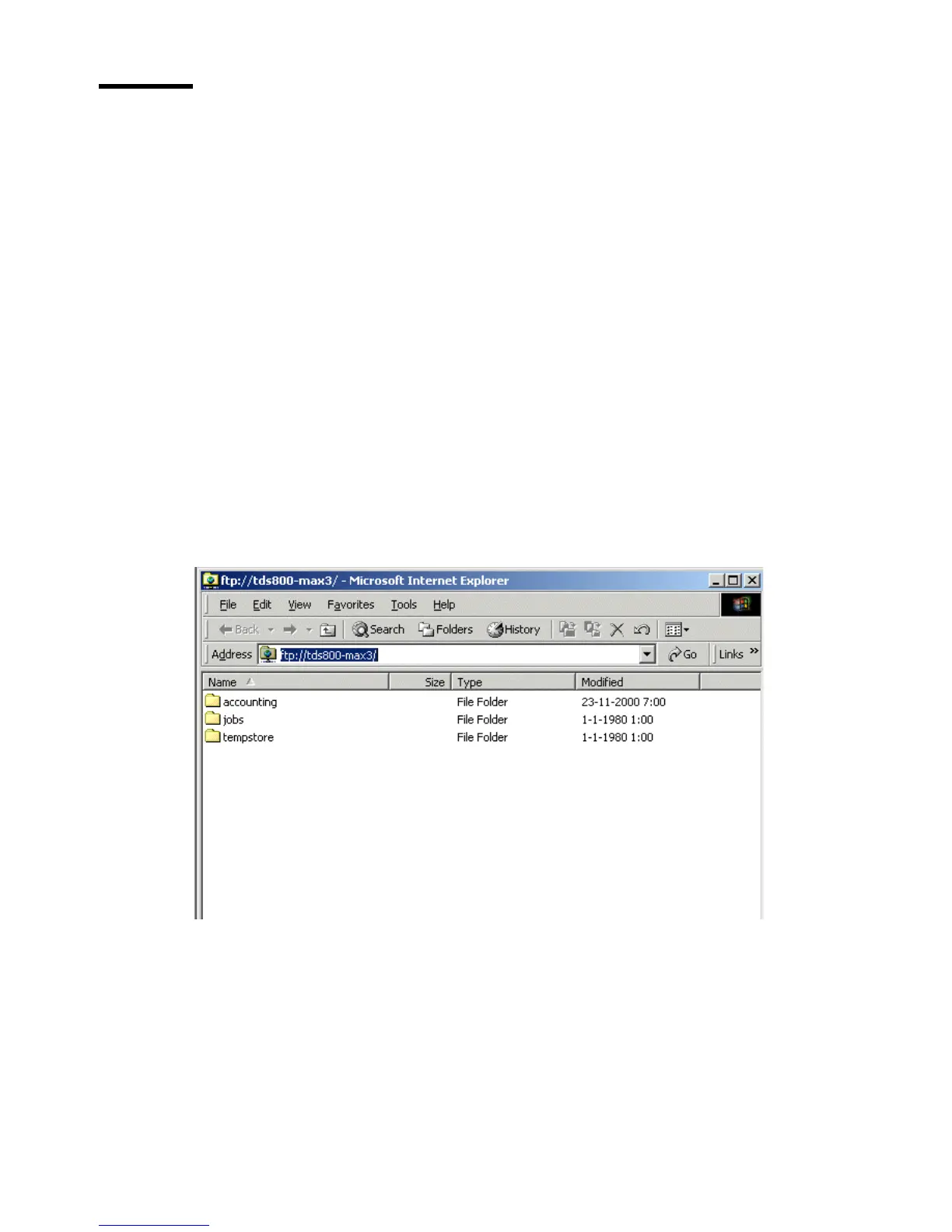
The browser shows the ftp directories on the Océ TDS600 system (see
figure 123).
3 Browse to the ‘Accounting’ directory.
The accounting log files are shown (see figure 124).
4 Save the accounting log files to any destination on your system. This is usually
done by a right click on the file and then the ‘save’ option.
[123] The ftp directories on the Océ TDS600 system



 To Next Page