Océ Power Logic: Settings Editor (for the key operator) 199
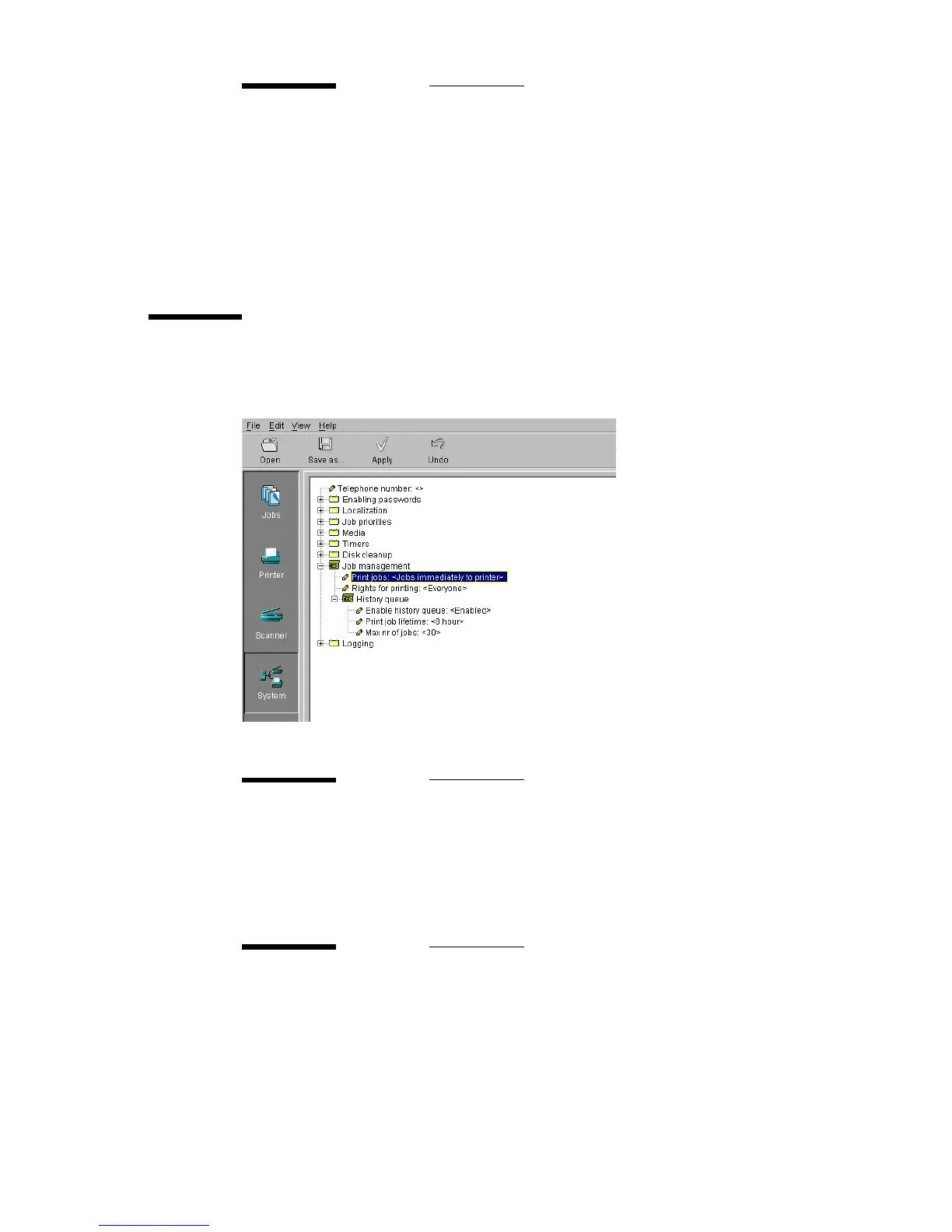
Job management
Use job management to manage jobs in the print queue and the history queue.
f
[116] ‘Job management’ settings for the key operator
Next time
Description Next time: the next cleanup action will be at the preset time.
After completion of the cleanup action, this setting is updated
according to the frequency setting.
Min/max values N/A
Menu path System - Disk cleanup - Local storages / Unsent folder / Scan
spool cleanup - Next time
Print jobs
Description To determine if jobs go to the inbox, are send to the print
queue or if the jobs are printed as described in the job ticket.
Min/max values N/A
Menu path System - Job management - Print jobs
Rights for printing
Description To define if everyone is allowed to print from the inbox or the
history queue or only a special user.
Min/max values N/A
Menu path System - Job management - Rights for printing



 To Next Page