UsetheOcéTDS600tocopy 45
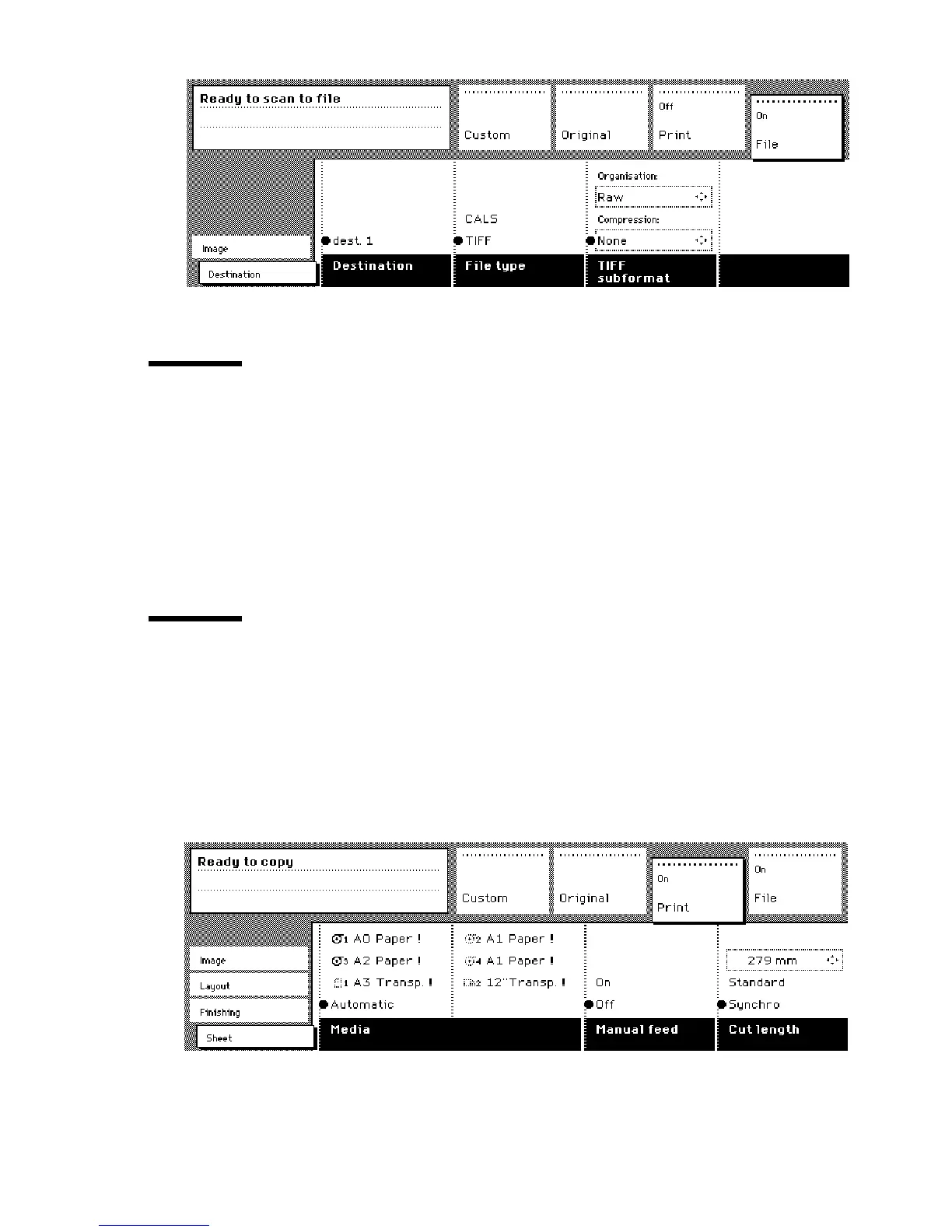
[13] ‘File’ section of the Océ TDS600 Copier
Change the operator panel language
It is possible to change the operator panel language. You can choose between
two preferred languages.
▼
▼▼
▼
To select a language
1
Open the ‘Scanner’ card in the ‘Original’ section.
Press the ‘Language’ function button to set the needed language.
Settings on the Océ TDS600 Copier operator panel
On start-up of the Océ TDS600 Copier, the ‘Custom’ card is displayed (see
figure 14).
The custom card gives access to the settings you defined in the Océ Settings
Editor. This contains a number of settings which are direct accessible. The key
operator defines the custom card in the Océ Settings Editor.
[14] The ‘Custom ‘ card on the scanner operator panel



 To Next Page