170 Océ TDS600 Multifunctional Digital System User Manual
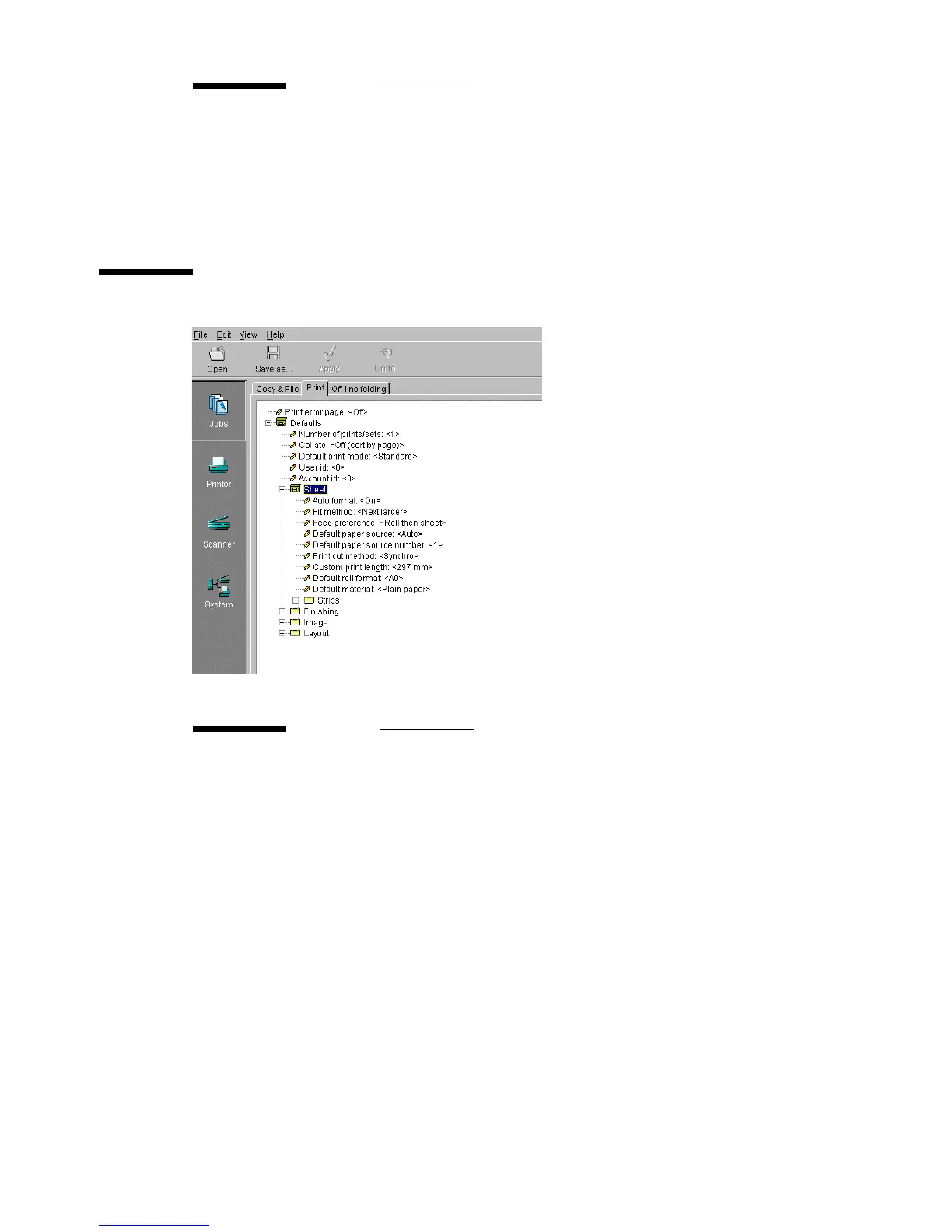
Sheet
[99] ‘Sheet folder of the ‘Print’ tab
Account id
Description You can use the ‘Account id’ option to determine how many
jobs are processed for that account.
Min/max values N/A
Menu path Jobs - Copy & File - Defaults - Account id
Auto format
Description The ‘Auto format’ option allows you to specify that the select-
edmediasizeshouldbebasedonthesizeofyouroriginal.
Note:
Only sizes present in the specified paper series will be consid-
ered for use with the auto format function, unless nothing ap-
propriate can be selected. In the latter case the best fitting
format in the specified paper series will be proposed.
Min/max values N/A
Menu path Jobs - Print - Defaults - Sheet - Auto format



 To Next Page