70 Océ TDS600 Multifunctional Digital System User Manual
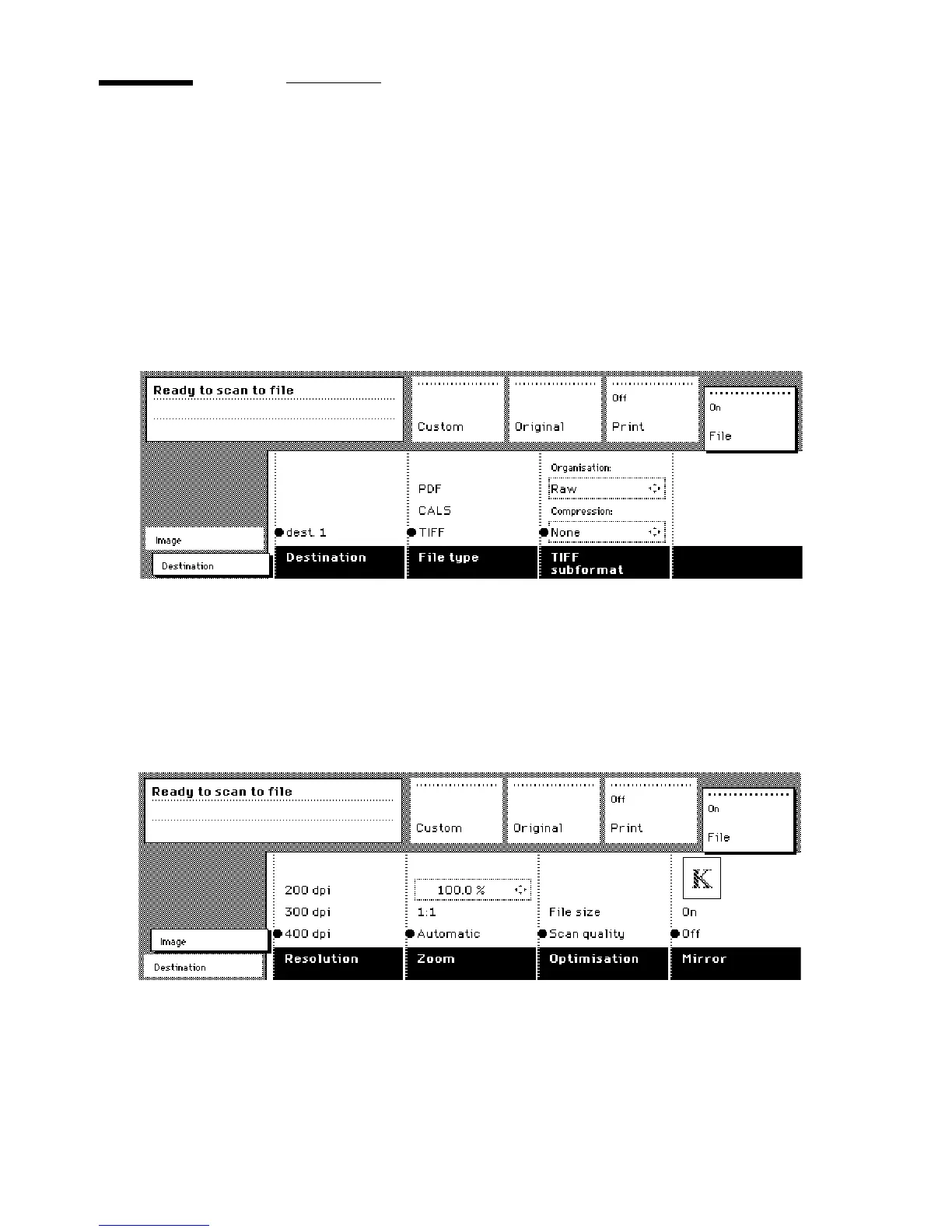
Settings for scan to file
The settings regarding scan to file on the scanner operating panel are divided
into two cards: Destination and Image.
Destination card:
■
Destination
■
File type
■
TIFF subformat or PDF compression
[35] Scanner operating panel: Destination card
Image card:
■
Resolution
■
Zoom
■
Optimization
■
Mirror
[36] Scanner operating panel: Image card



 To Next Page