190 Océ TDS600 Multifunctional Digital System User Manual
Telephone number
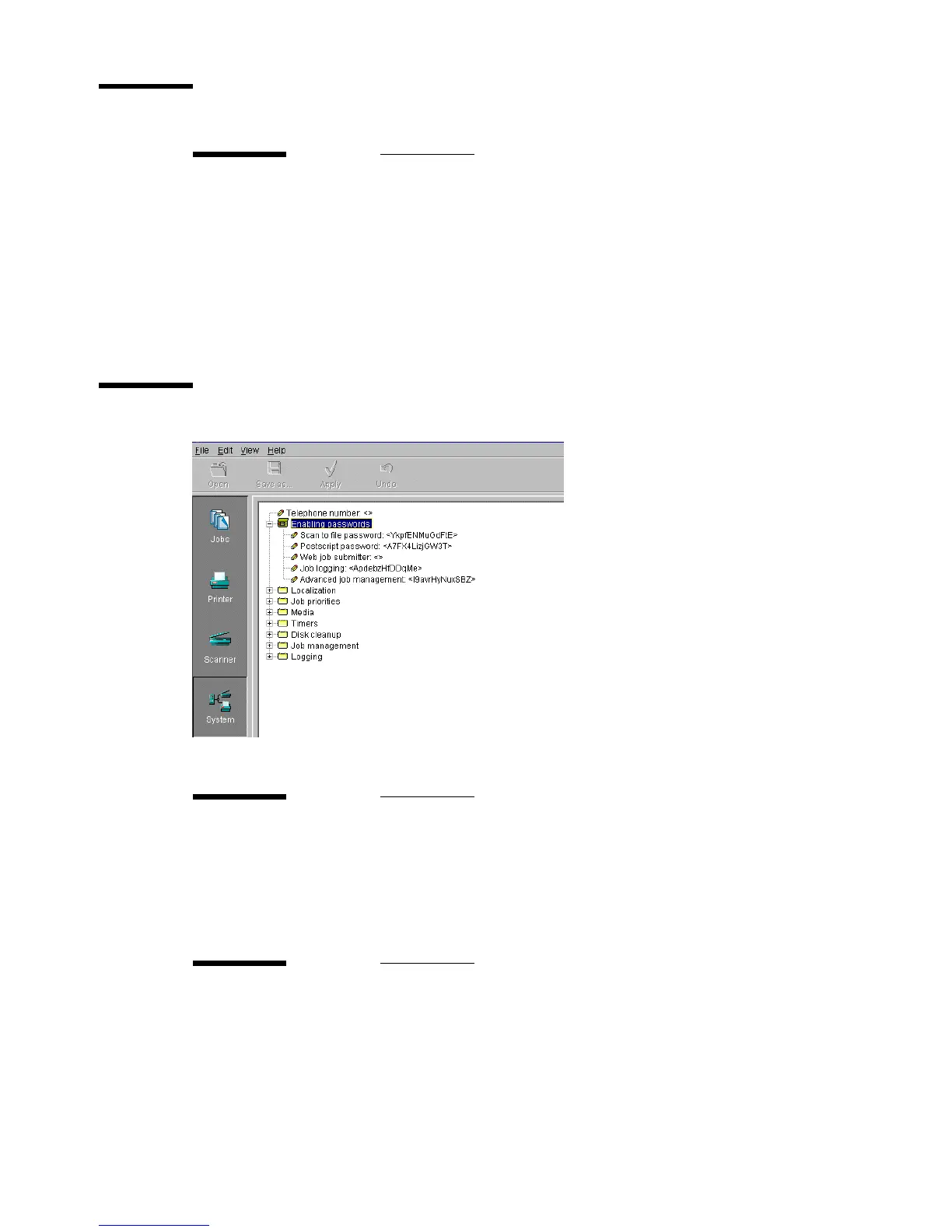
Enabling passwords
[110] Enable passwords setting
Telephone number
Description Use ‘Telephone number’, to display a telephone number,
when a permanent error occurs.
This can be the number of the key operator but also that of the
local service organisation.
Min/max values N/A
Menu path System - Telephone number
Scan Logic password
Description Scan Logic is an option. To activate this option, you require a
password. Call your local dealer for this password.
Min/max values N/A
Menu path System - Enabling passwords - Scan Logic password
Postscript 3/PDF password
Description To activate or disable the use of Adobe ® Postscript ® 3™ /
PDF.
Min/max values N/A
Menu path System - Enabling passwords - Postscript password



 To Next Page