68 Océ TDS600 Multifunctional Digital System User Manual
Makeascantofile
To scan an original to file is an easy operation. If the settings (see ‘Settings for
scan to file’ on page 70) are correct, and the destinations have been set in the
Océ Scan Manager (see ‘Océ Scan Manager’ on page 75), the only thing you
have to do is press the start button on the scanner.
▼
▼▼
▼
Scan to file
1
Place your original face-down, right aligned along the original guide.
2
Select the appropriate original type.
3
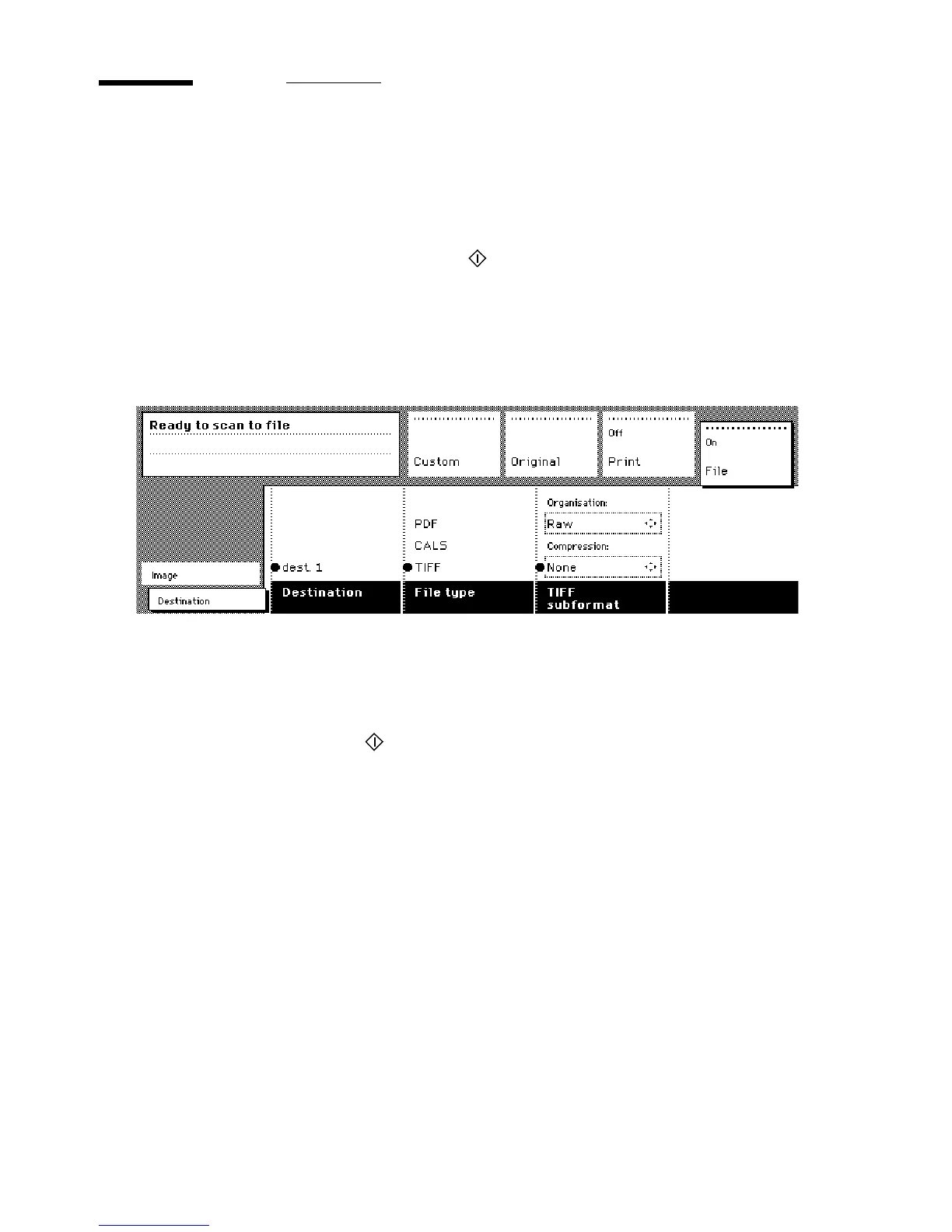
Select the ‘Destination’ card in the ‘File’ section.
[32] ‘Destination’ card in the file section
4 Press the section button ‘File’, to select ‘File mode’ On.
The status message displays: Ready to scan to file.
5
Select a Destination (see ‘Destinations’ on page 78).
6
Press the start button
.
The original is scanned.
A status message displays (see figure 33 on page 69):
“Scanning job “Scan job number X””
“File scan22.tif”



 To Next Page