192 Océ TDS600 Multifunctional Digital System User Manual
Localization
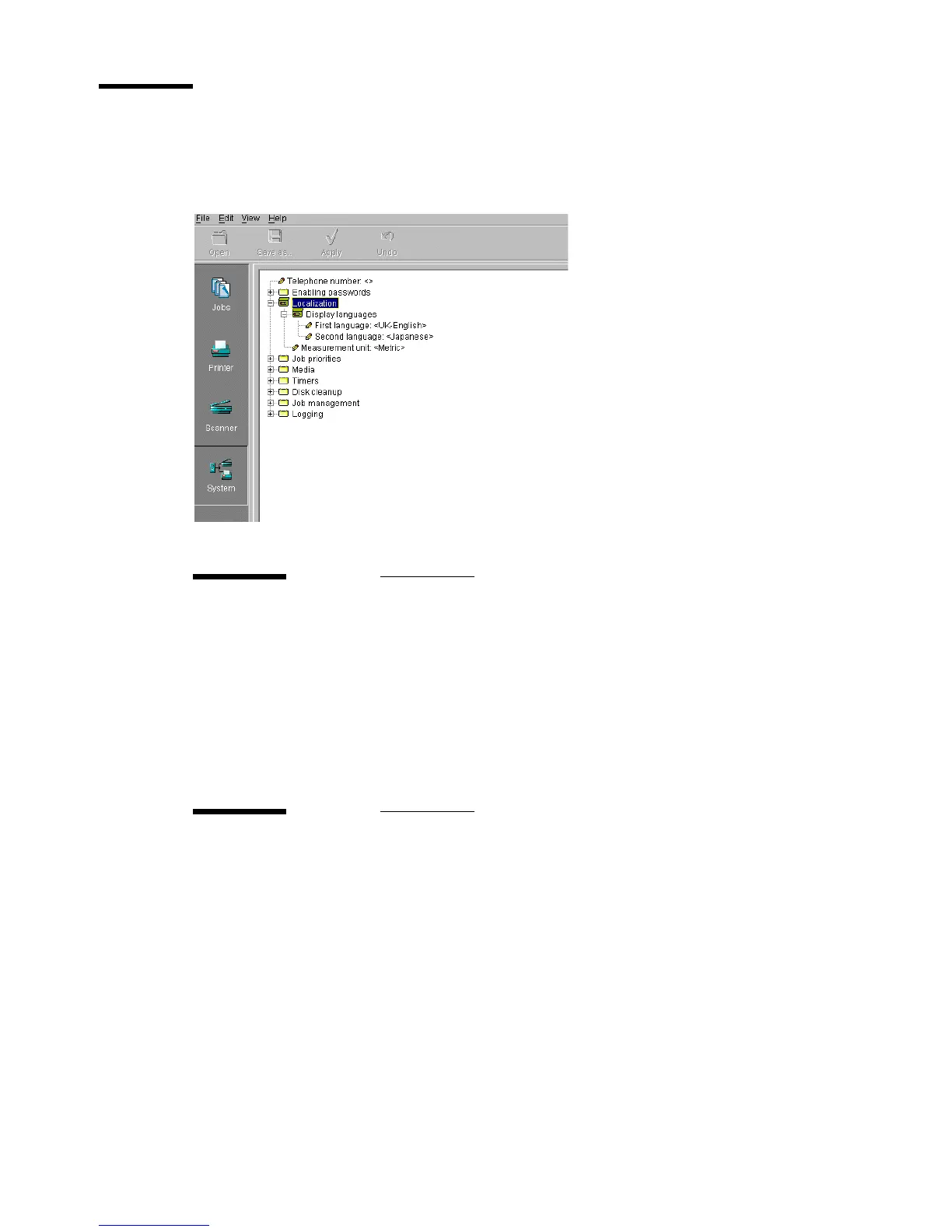
Under localization you can change the display languages and the measurement
unit (see figure 111).
[111] Localization settings for key operators
First language
Description Use the ‘First language’ option, to specify the first (default)
language to be used at the operating panels (printer and scan-
ner) of your system for providing information to the users. All
settings (also on the system) will be presented in the specified
language.
Min/max values N/A
Menu path System - Localization - Display languages - First language
Second language
Description Use the ‘Second language’ option, to specify the second (al-
ternative) language to be used at the operating panels (printer
and scanner) of your system for providing information to the
users. Users can switch between the first and second languag-
es by changing the language at the printer operating panel. For
this option the same languages are available as for the first
language.
Min/max values N/A
Menu path System - Localization - Display languages - Second language



 To Next Page