152 Océ TDS600 Multifunctional Digital System User Manual
Job-related settings for copying
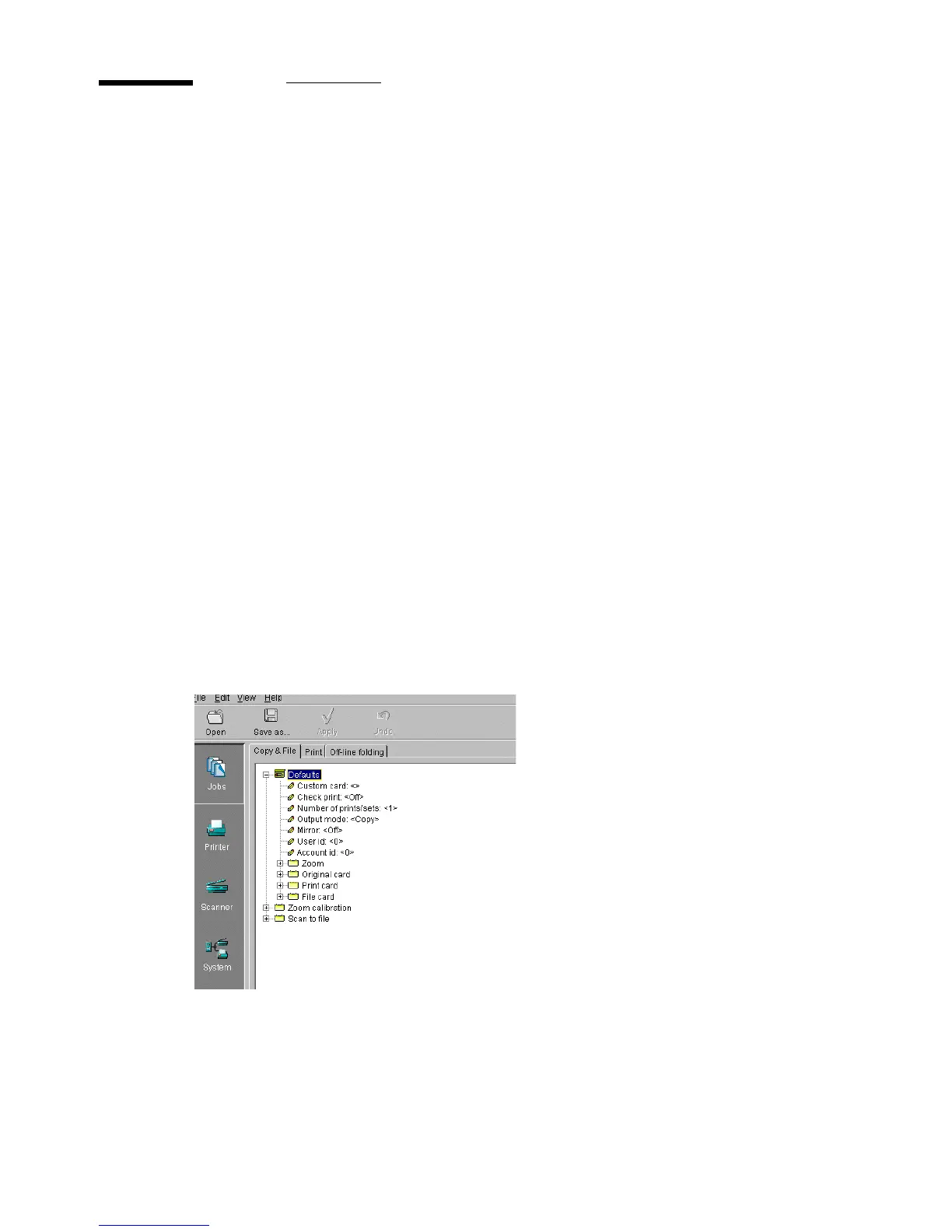
The ‘Copy & File’ tab of the job-related settings contains a folder with default
settings, which can be overruled by settings that are sent along with the copy
job (via a job ticket or from the scanner panel), plus a folder with settings for
horizontal and vertical zoom calibration.
The ‘Defaults’ folder contains the following options (see figure 92):
■
Defaults
■
Custom card
■
Checkprint
■
Number of prints/sets
■
Output mode
■
Mirror
■
User id
■
Account id
■
Zoom
■
Original card
■
Print card
■
File card
■
Zoom calibration
■
Scan to file
[92] ’Defaults’ Folder for ‘Copy & File’



 To Next Page