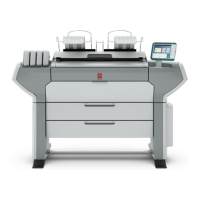
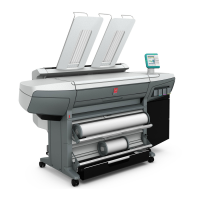
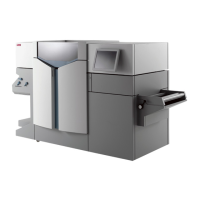
246 Océ TDS600 Multifunctional Digital System User Manual
Cut sheet material
When a sheet feeder is empty during a print job, a ‘Sheet feeder x empty’
message is displayed at the printer operating panel and in the System Control
Panel (SCP) application. You then have to load new cut sheet print material.
Note:
You must fan polyester cut sheet before use to prevent sticking together.
Also
avoid the use of sheets that have already been printed on one side.
▼
▼▼
▼
Load cut sheet material
1
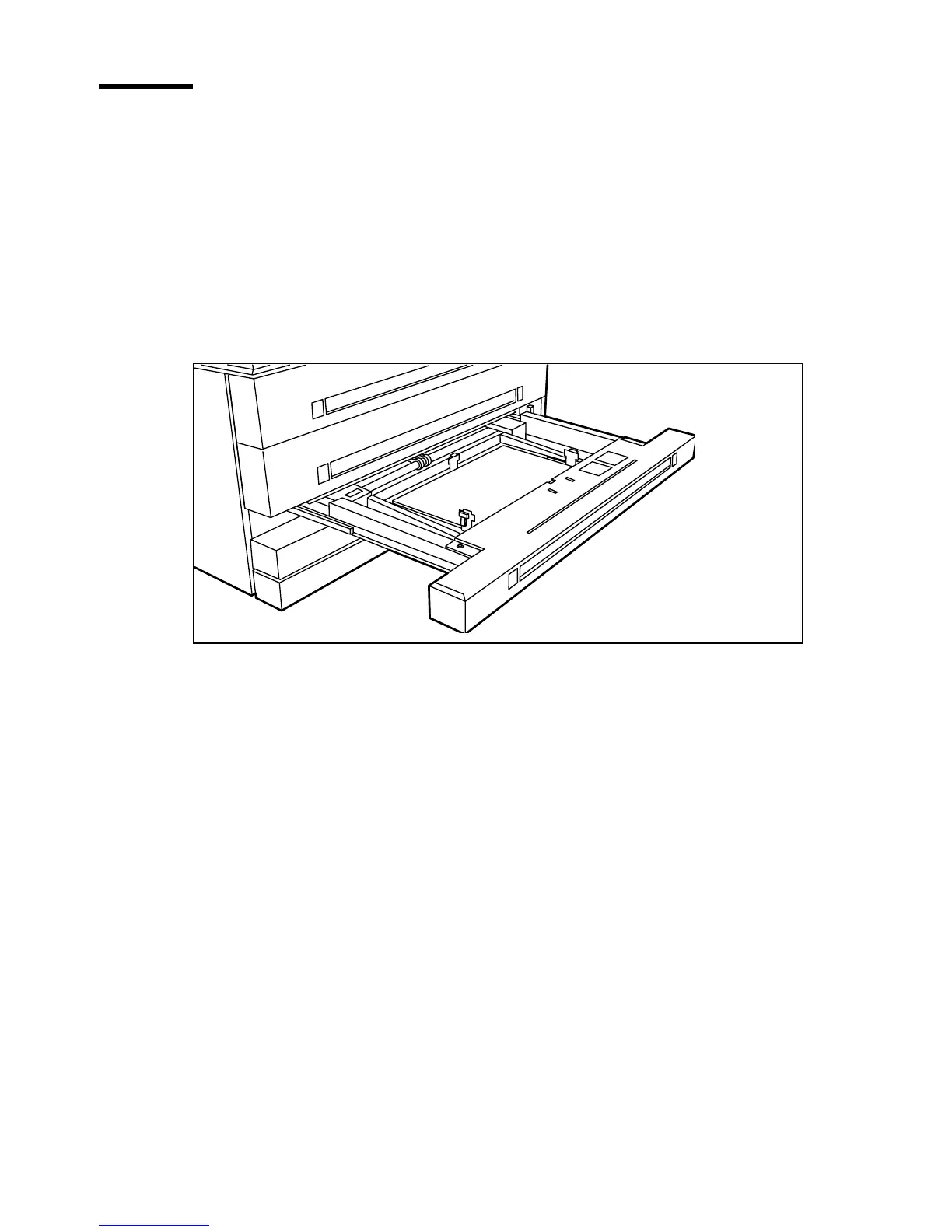
Open the appropriate drawer (see figure 133).
[133] Opening the appropriate drawer
2
Release the right hand guide by squeezing the light green release handle on the
guide (see figure 134) and move the guide to the required media size indicator.
Note:
Make certain that the handle is properly aligned with the appropriate
indicator.


 To Next Page