UsetheOcéTDS600tocopy 47
Perform basic copy jobs
On the Océ TDS600 scanner you perform a number of basic tasks. These
include:
■
Make copies
■
Select the required media
■
Select the input mode
■
Specify the zoom factor
■
Select the brightness
■
Deliver originals after scanning
■
Define settings for the next original
■
Define delivery of copies
■
Stop a copy job
Make copies
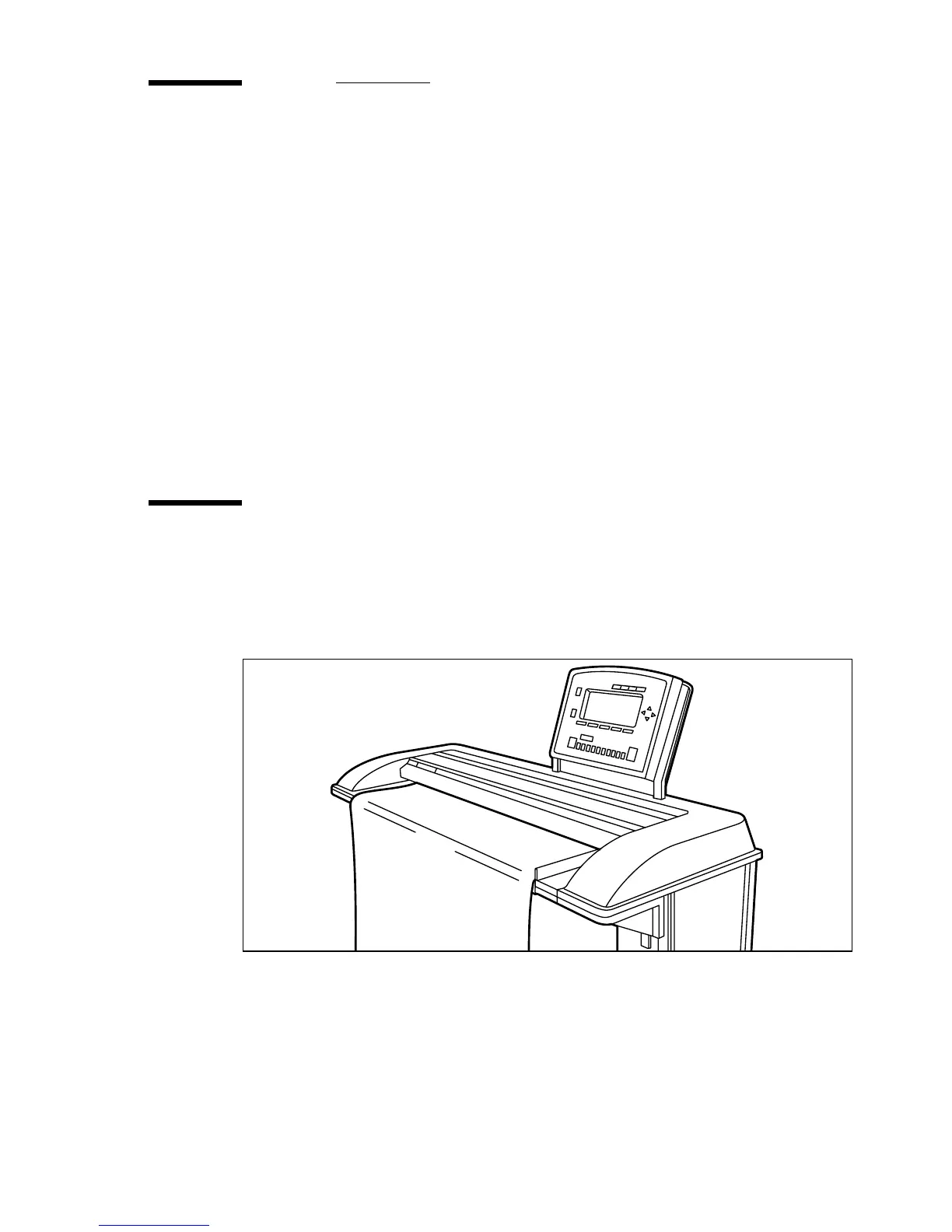
1 Place your original face-down, right aligned along the original guide. Keep the
legend at your right hand side.
Note:
When feeding the original, keep it in place until it is transported
(about 1 cm) into the machine.
[15] Inserting the original
2 Specify the number of copies using the numeric buttons.
3 Specify the desired copy material on the operator panel.
If you select ‘Automatic’ the Océ TDS600 Copier will try to use a roll format
that matches the specified size.


 To Next Page