Océ Power Logic: Settings Editor (for the key operator) 147
The settings for system components that are not available are not displayed.
So, if you do not have a folder, no folder settings are available. This means that
different configurations result in different tree structures.
Note:
When a tree item has been changed, this item will be marked with a
bullet.
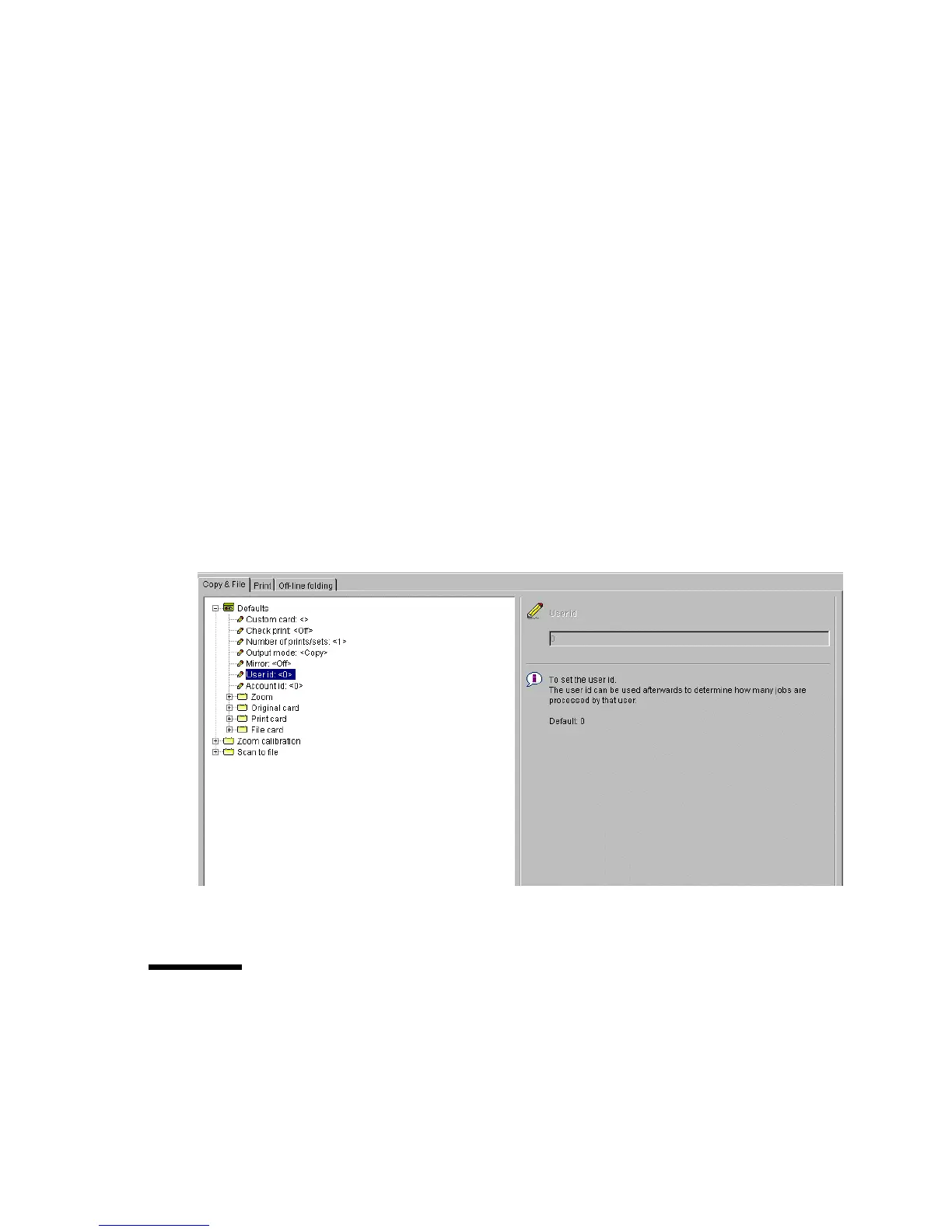
Update area The user can move through the tree and select a setting. If he
selects a setting for which he is authorised, he can edit the setting in the update
area.
If the user is not authorised for a particular setting, the update area is greyed
and no changes can be made.
Note that a few settings, such as basic card and pen settings, are not edited from
the tree structured, but are accessed directly from the settings area.
The update area contains some additional information about the selected
setting. This includes a brief definition of the setting, as well as the minimum,
maximum and default values (if appropriate).
[91] Settings area
Status bar
The Settings Editor has a status bar displaying the following information (left
to right):



 To Next Page