176 Océ TDS600 Multifunctional Digital System User Manual
Image
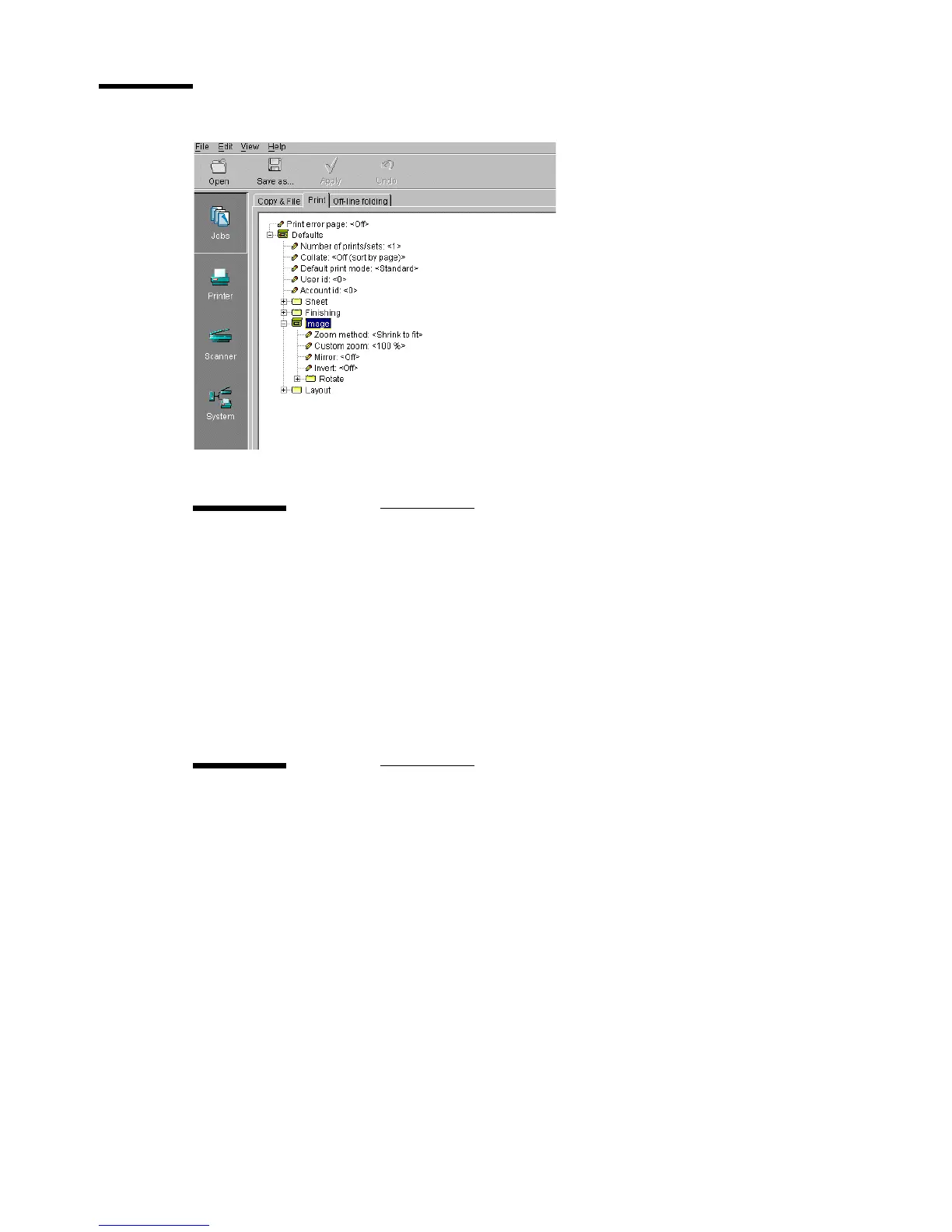
[101] ‘Image’ folder for ‘Print’
Zoom method
Description You can choose between the zoom methods:
Custom: to specify the zoom ratio you need
Shrink to fit: the large image zooms to fit on the chosen and
smaller media
Exact fit: enlarge or reduce the image to fit to the selected me-
dia
Min/max values N/A
Menu path Jobs - Print - Defaults - Image - Zoom method
Custom zoom
Description Specifies the zoom value when zoom method is set to custom.
Min/max values 25 - 400 %
Menu path Jobs - Print - Defaults - Image - Custom zoom


 To Next Page