244 Océ TDS600 Multifunctional Digital System User Manual
14 Specify the size and type of material on the operating panel.
15 Press the
on line
button again.
Note:
You only have to adjust the settings on the operating panel when you
alter the size and/or media type.
Roll loader
In order to help customers to comply with the international safety
regulations as far as maximum roll weights are concerned, Océ has developed
a roll loader for use with the Océ TDS600. See ‘Recommended weight limits’
on page 312 for more information about the maximum recommended roll
weights with and without a roll loader.
▼
▼▼
▼
Use the optional roll loader to load a roll
1
Fully open the roll compartment.
Inside the drawer, the roll loaders are installed. The roll loaders consist of a
metal frame with a lever and a green knob in the middle of the lever.
2 Put the appropriate horizontal lever in an upright position by pulling it to the
right.
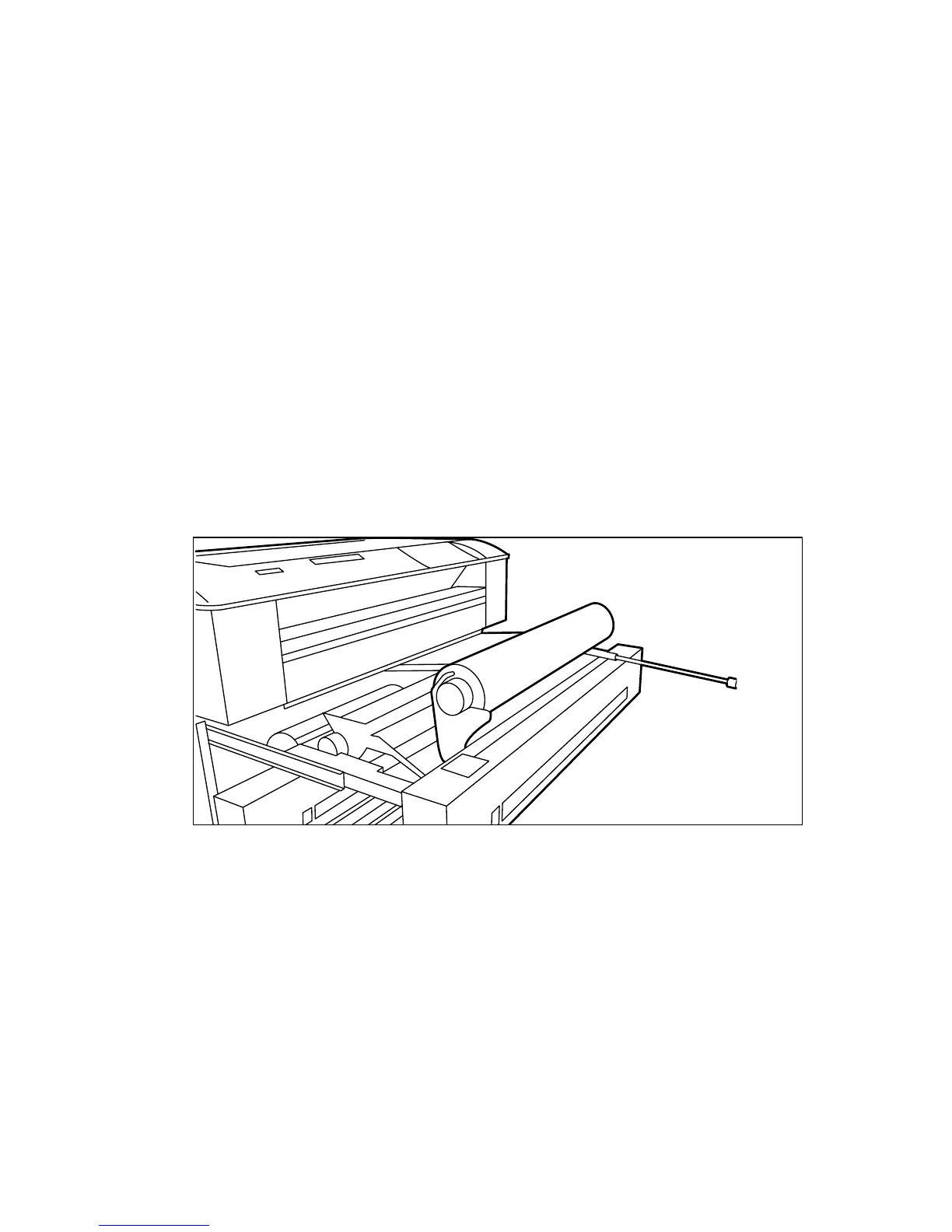
3 Pull the lever completely forward. The roll holder is lifted up (see figure 131).
d
[131] Lifting up the holder with the roll loader
4 Remove the roll holder from the paper roll compartment using both hands.
5 Press the green knob inside the roll holder to release the locking mechanism
and remove the core from the holder.
Note:
You can place the new roll in the groove on top of the printer.
6 Slide the roll holder in the new roll of material while pressing the green knob.
7 Align the roll with the appropriate size indicator on the roll holder and release
the locking mechanism. This line has to be completely visible.



 To Next Page