UsetheOcéTDS600tocopy 39
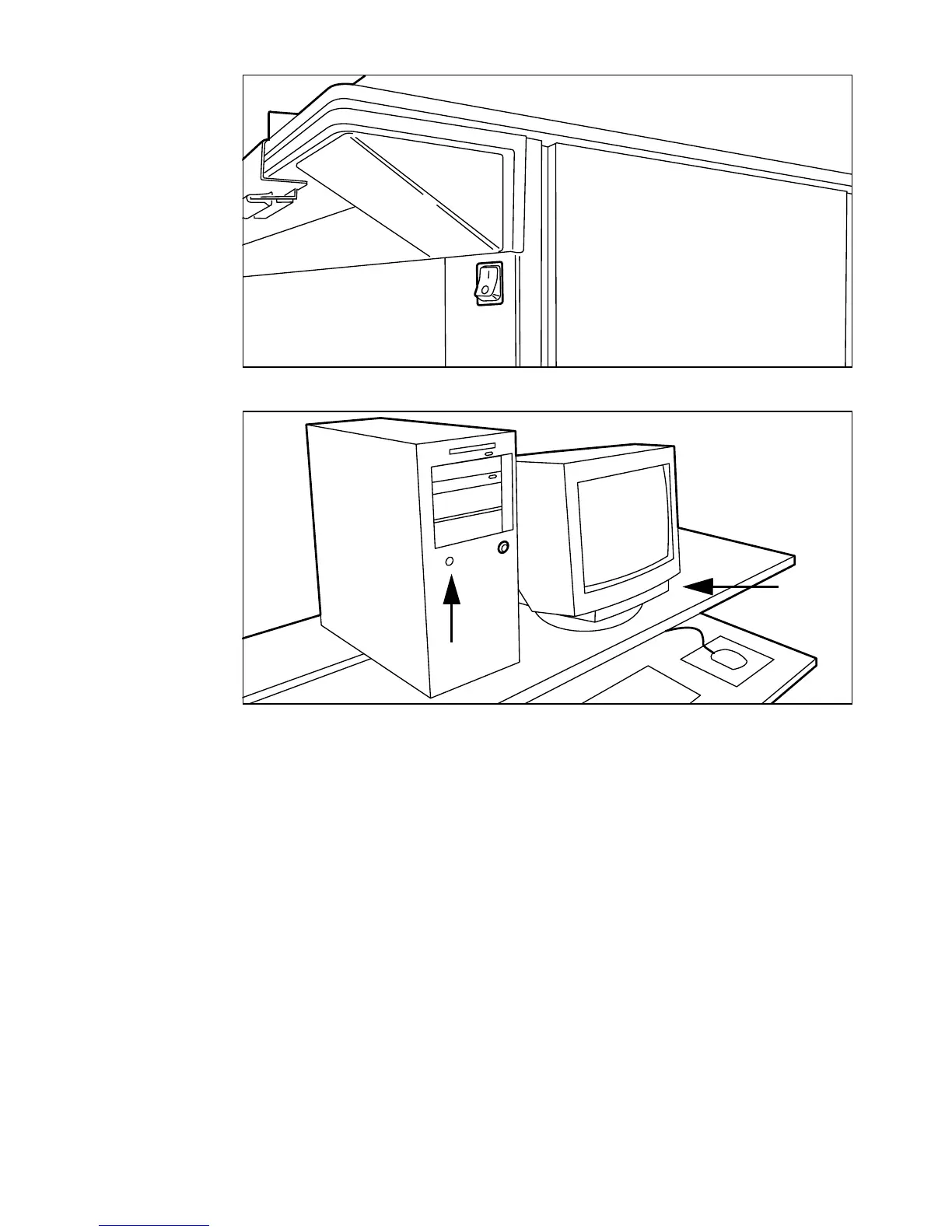
[8] On/off switch on the scanner
[9] On/off button on the Océ Power Logic controller
▼
▼▼
▼
Switch the Océ TDS600 printer on
1
Set the on/off switch at the rear of the printer to position ‘1’, (see figure 7). The
green LED will be on.
2 The message ’Ready to print’ appears.
▼
▼▼
▼
Switch the Océ TDS600 scanner on
1
Set the on/off switch at the front of the scanner to position ‘1’., (see figure 8).
The green LED will be on.
2 The message ’Ready to copy’ appears.
▼
▼▼
▼
Switch the Océ Power Logic controller on
1
Press the on/off button on the controller, (see figure 9).
2 Press the on/off button on the monitor.



 To Next Page