UsetheOcéTDS600toscan 63
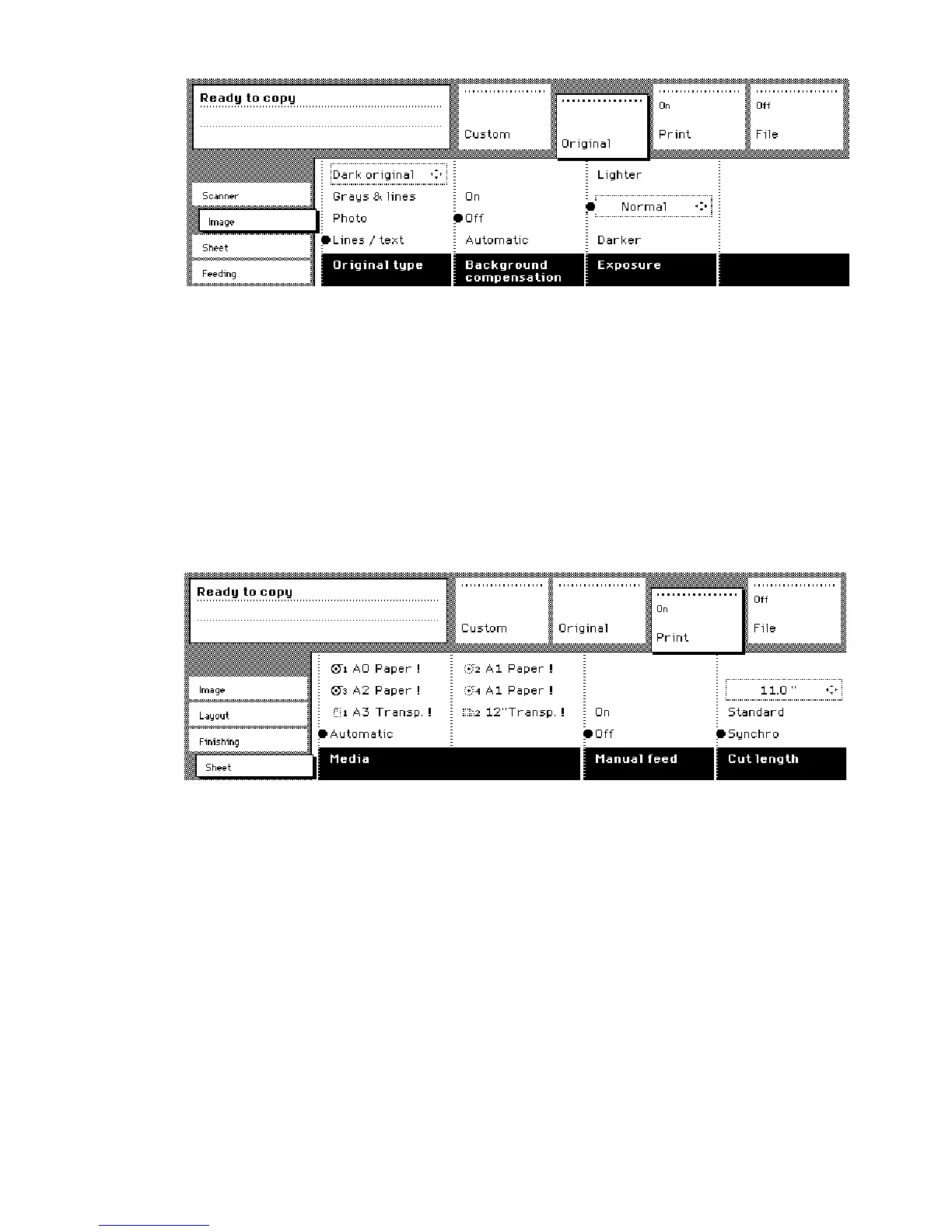
[27] Original section of the Océ TDS600 Copier
Print section
The ‘Print’ section contains all copy-related settings, divided
over a number of cards. The following cards are available (top to bottom):
■
Image
■
Layout
■
Finishing
■
Sheet
Each card contains a number of specific options, as is shown in figure (see
figure 28).
[28] Print section of the Océ TDS600 Copier
File section
The ‘File’ section contains all scan to file related settings, divided
over a number of cards. The following cards are available (top to bottom):
■
Image
■
Destination
Note:
The ’File’ section is only available if you have the scan to file option
installed.



 To Next Page