Preparation before Use
OPERATION GUIDE 2-21
2
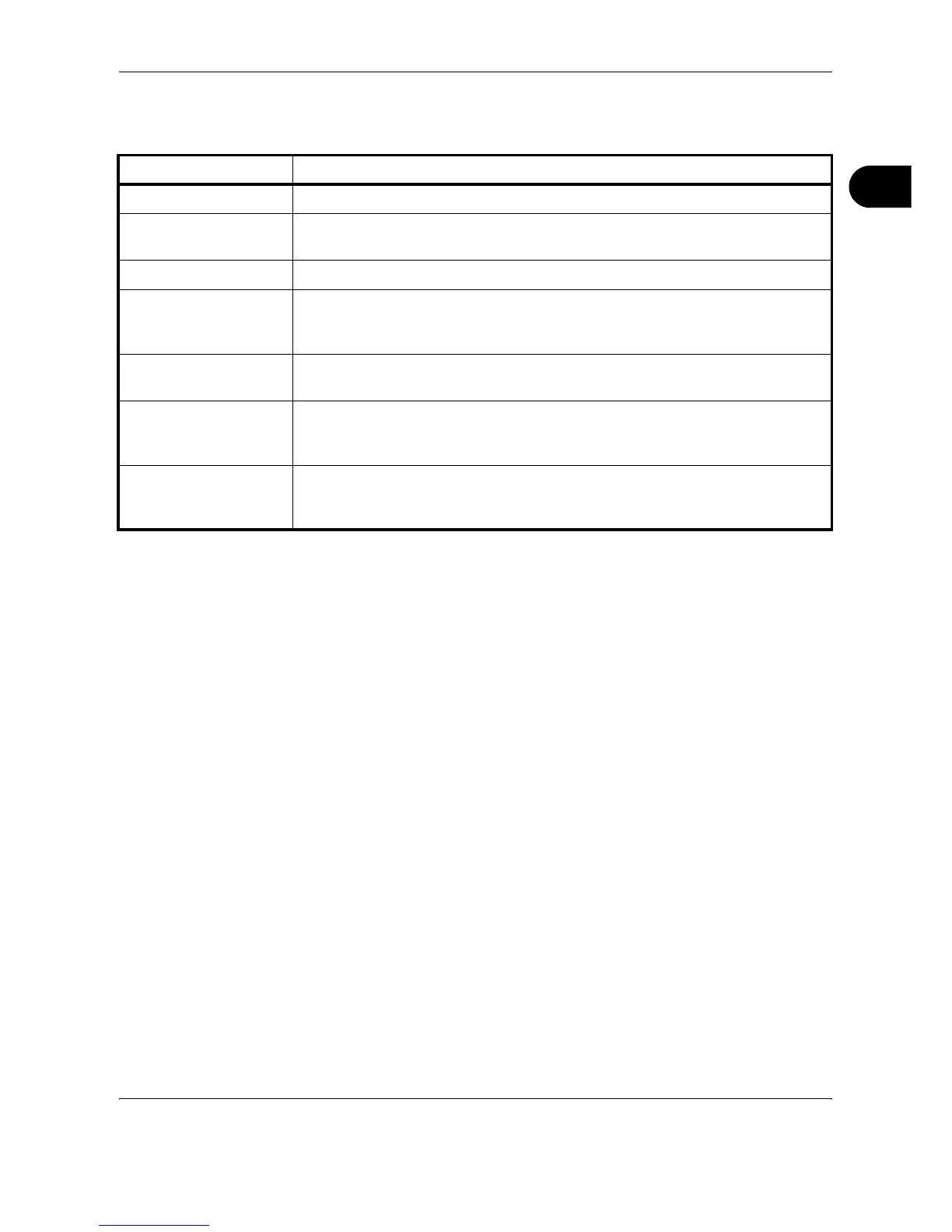
The settings to be specified in the Address Book Contacts settings screen
are shown below.
3
Click Submit.
Editing Address Book Contacts
The procedure for editing information on the Address Book Contacts page
is explained below.
Item Description
Number Select the number of this address book.
Name Enter the registration name. The maximum length of the registration name is 32
characters.
E-Mail Address Enter the E-mail address.
Host Name SMB: Enter the IP address or host name of the destination.
FTP: Enter the FTP server IP address or its name.
The maximum length of the host name is 62 characters.
Path Enter the path of the required folder for uploading data. For example, to store
data in the ScannerData folder in the home directory, enter \ScannerData.
Login User Name SMB: Enter the login user name for the destination.
FTP: Enter the login user name for the FTP server.
The maximum length of the login user name is 62 characters.
Login Password SMB: Enter the login password for the destination.
FTP: Enter the login password for the FTP server.
The maximum length of the login user name is 62 characters.










 To Next Page