Preparation before Use
OPERATION GUIDE 2-25
2
3
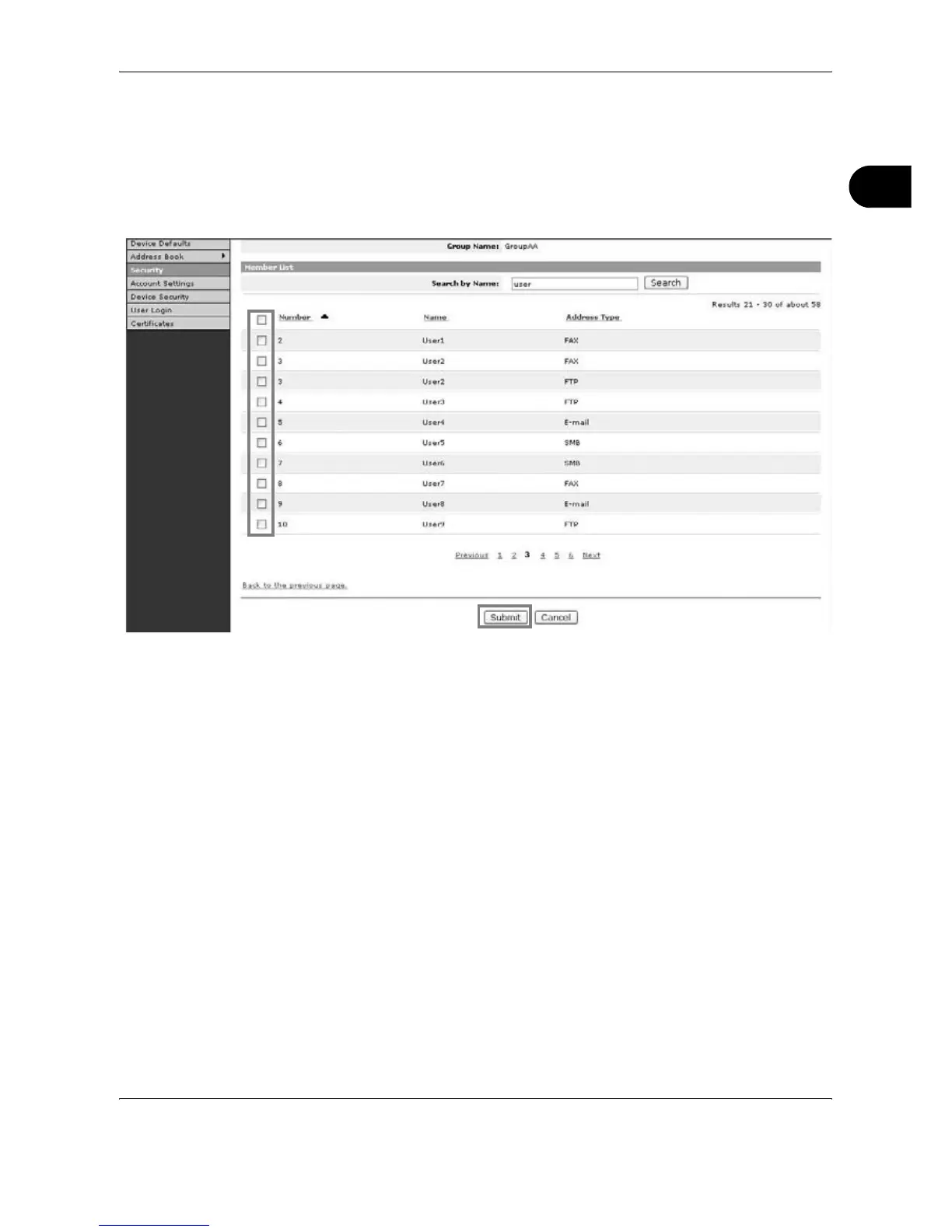
Tick the checkbox for the member to be added to the group and then click
Submit.
The contact is added as a group member.
For each group, you can register up to a combined total of 10 SMB and
FTP addresses and up to 100 E-mail addresses.
Registering an External Address Book
This machine can refer to an address book on the LDAP server as an
external address book and store the fax number and E-mail address of the
destination.
Enable LDAP parameters in EWS (Embedded Web Server).
The procedure for using an external address book is explained below.
1
Register an address book on the LDAP server. Refer to the Windows Help
menu for details.










 To Next Page