Preparation before Use
OPERATION GUIDE 2-29
2
NOTE: For details on character entry, refer to Character Entry Method on
page 2 of the Appendix.
3
Press [Login Password].
4
Enter the password and press [OK].
5
Check the login user name and password are correct, and press [Login].
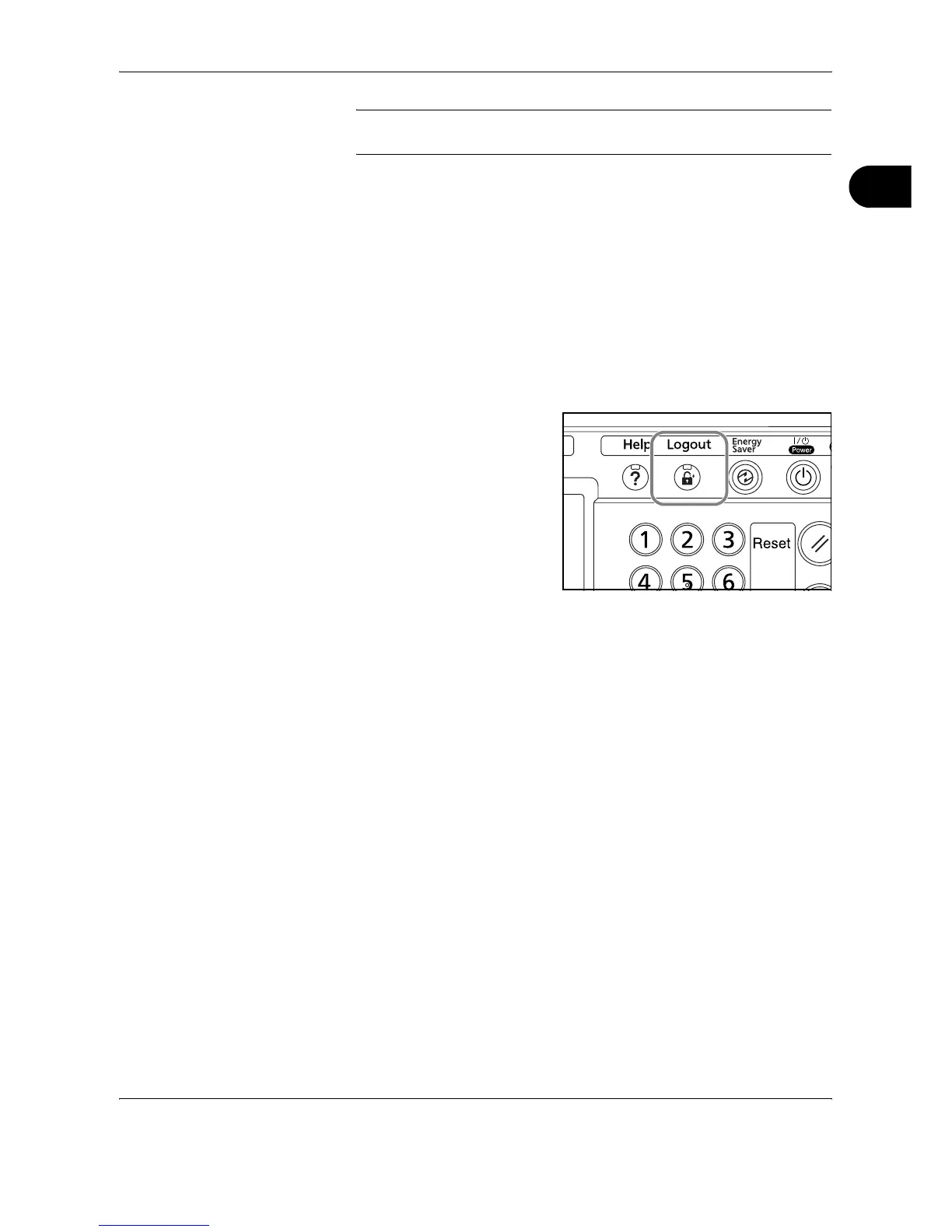
Logout
To logout from the machine, press the Logout key to return to the login
user name/password entry screen.










 To Next Page