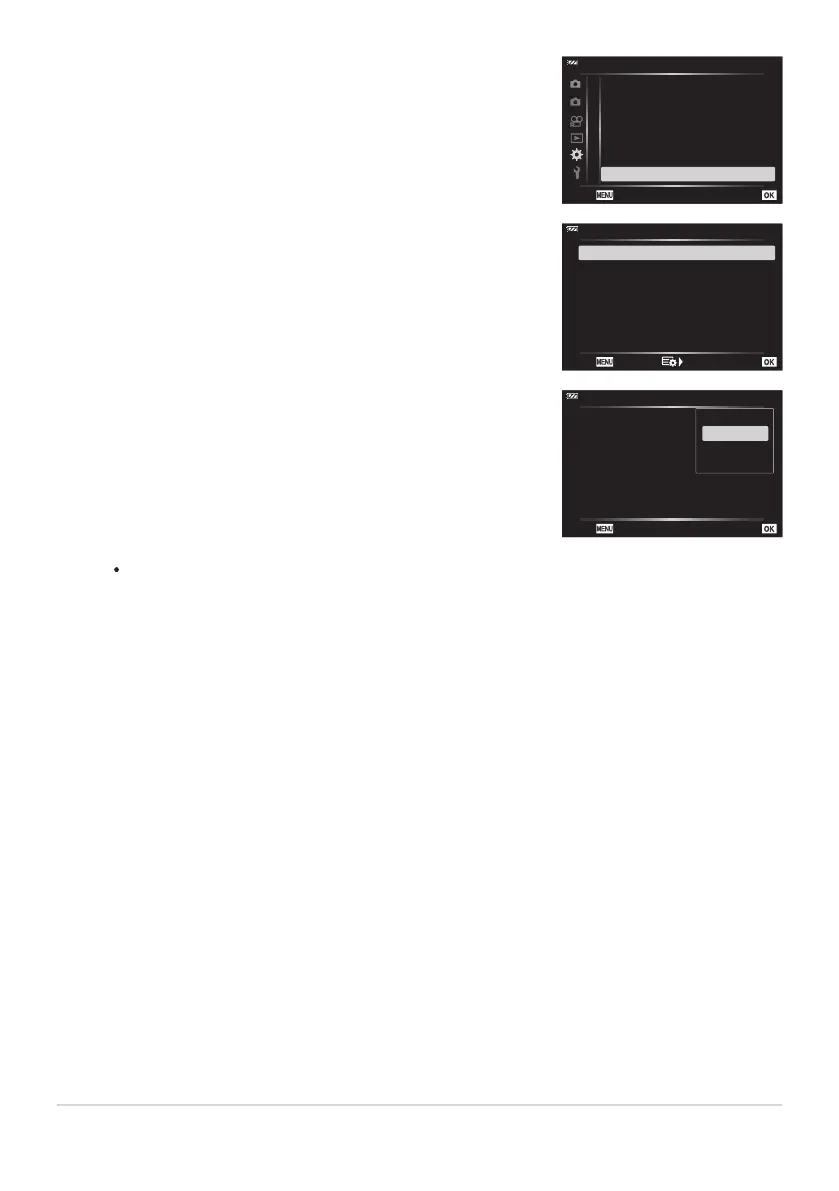
Highlight [HDMI] using the FG buttons and press the I
button.
2
1
B. Disp/o/PC
G
/Info Settings
Off
Live View Boost
Flicker Reduction
Peaking Color
Auto
White
o
3
HDMI
Off
Displayed Grid
Back
Set
A
B
C
D
E
F
G
H
Highlight an item using the FG buttons and press the I
button.
HDMI
Back
Set
HDMI Control
Output Size
4K
Off
Highlight the desired option using the FG buttons and press
the OK button.
HDMI
Back
Set
HDMI Control
Output Size
4K
Off
4K
1080p
720p
480p/576p
Repeat Steps4 and 5 as required.
Press the MENU button repeatedly to exit the menu.
194
Viewing Pictures on a TV (HDMI)
3.
4.
5.
6.



 To Next Page