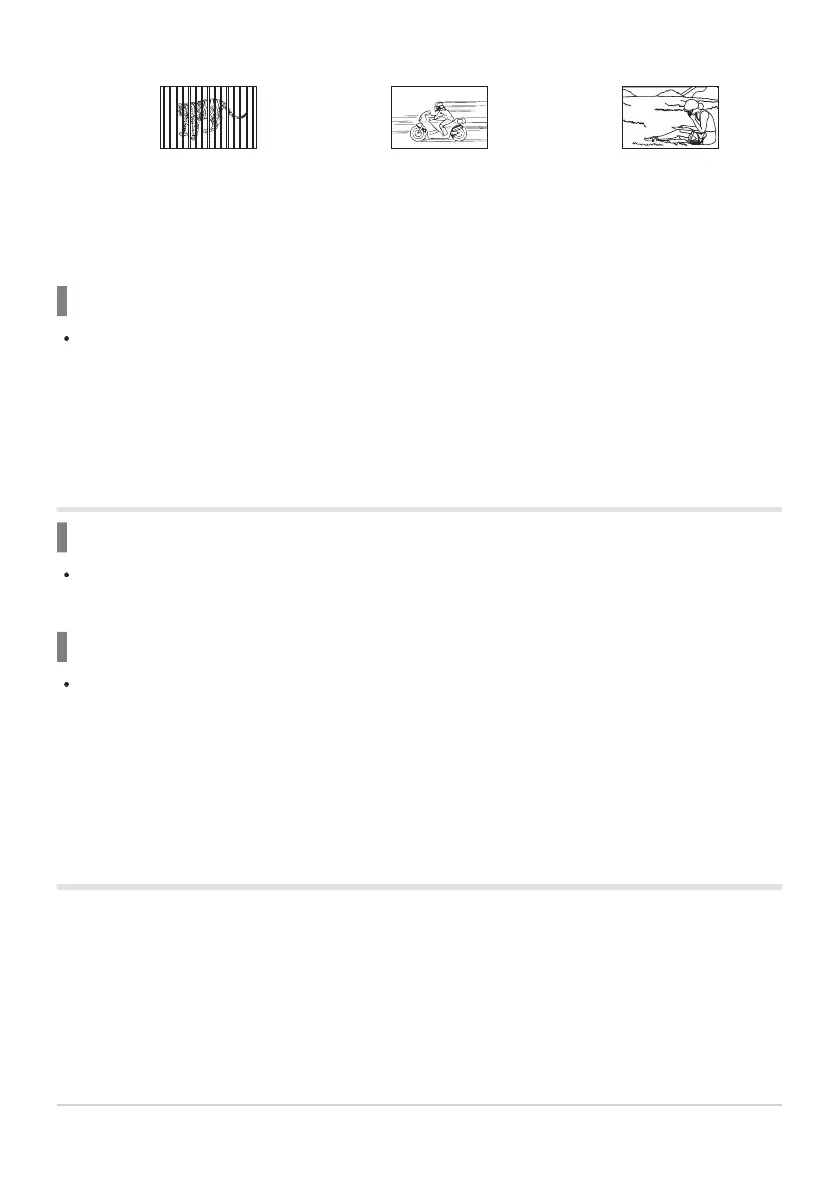
Subjects at different distances
Fast-moving subject Subject not inside AF area
The AF confirmation mark lights up, but the subject is not in focus.
It is also effective to compose the shot by holding the camera vertically to focus, and then
returning to the horizontal position to take the picture.
Noise reduction is activated
When shooting night scenes, shutter speeds are slower and noise tends to appear in images. The
camera activates the noise-reduction process after shooting at slow shutter speeds. During this
process, shooting is not possible. You can set [Noise Reduct.] to [Off]. gCCustom Menu
C> [Noise Reduct.] (P.147)
The date and time have not been set
The camera is used with the settings at the time of purchase
The date and time of the camera are not set when purchased. Set the date and time before using
the camera. g“Initial Setup” (P.28)
The battery has been removed from the camera
The date and time settings will revert to the factory default settings if the camera is left without
the battery for approximately 1 day (according to in-house experiments). The settings will revert
more quickly if the battery was only loaded in the camera for a short amount of time before being
removed. Before taking important pictures, check that the date and time settings are correct.
Set functions are restored to their factory default
settings
In shooting modes other than P/A/n, rotating the mode dial or turning off the power reverts the set
functions to their default settings.
246
Shooting tips and information
-
1



 To Next Page