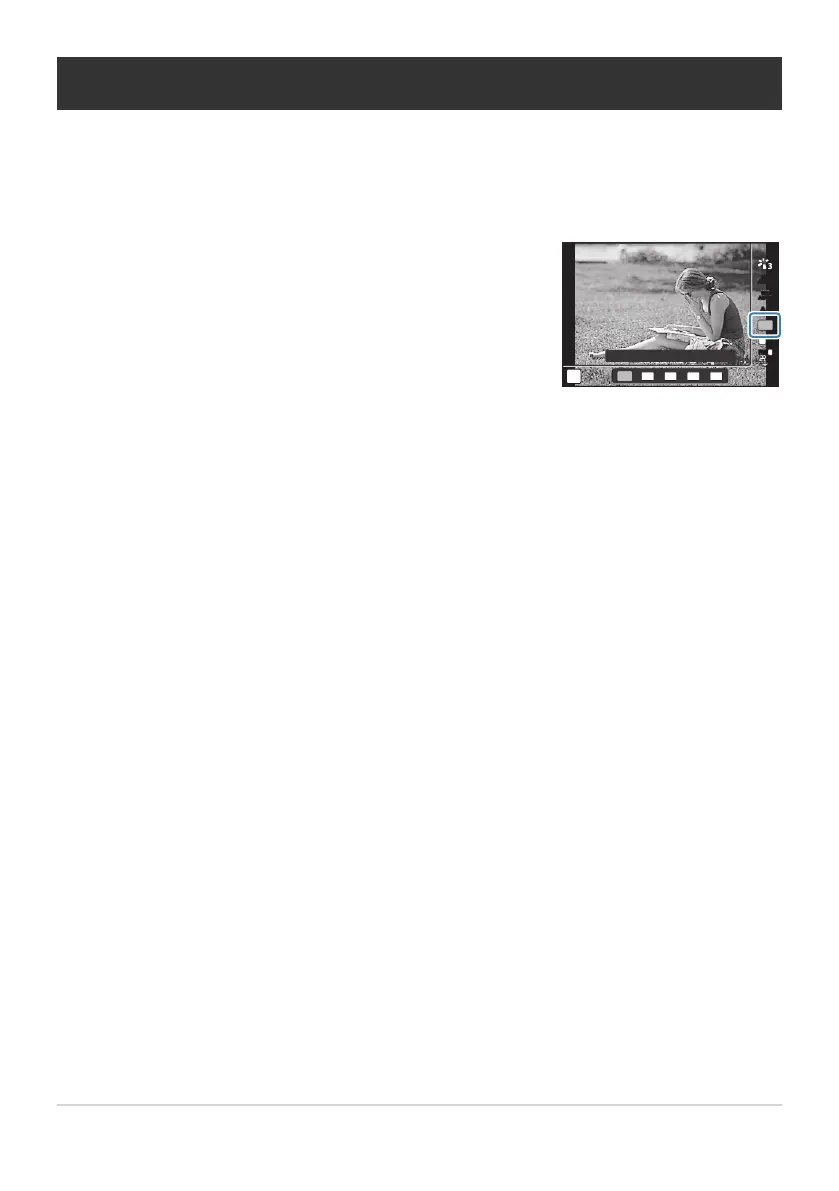
Press the OK button and then highlight Aspect ratio using
FG.
P
4000×3000
L
N
4:3
AFAF
FHD
30p30p
F
4:3
16
:9
3:2 1:1 3:4
WB
AUTO
WB
AUTO
ISO
AUTO
Setting the aspect ratio
Choose the ratio of width to height for pictures according to your intent, what you want to achieve
when printing the photo, and so on. In addition to the standard aspect (width-to-height) ratio of [4:3],
the camera offers settings of [16:9], [3:2], [1:1], and [3:4].
Highlight an option using HI and press the OK button.
Aspect ratio can only be set for still images.
JPEG images cropped to the selected aspect ratio are saved. RAW images are not cropped and are
saved with the selected aspect ratio information.
When RAW images are played back, the selected aspect ratio is indicated by a frame.
79
Setting the aspect ratio
1.
2.
B
B
B



 To Next Page