1-10 MicroHAWK Engine Integration Guide
Configure Read Cycle Settings
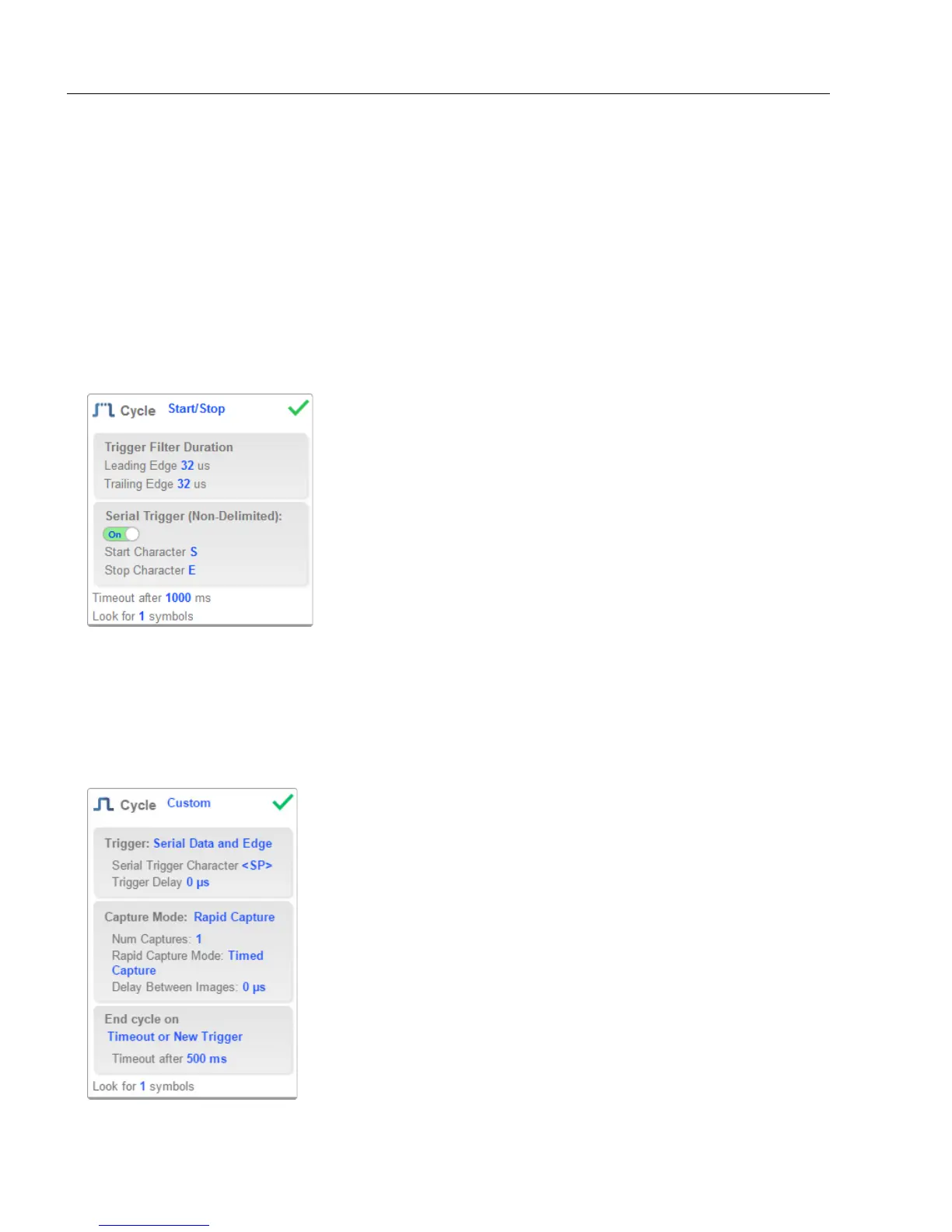
Start / Stop
This mode uses External Level with a Read Cycle Timeout and Continuous Capture,
allowing you to set Leading Edge and Trailing Edge as well as the Serial Trigger and
the Start and Stop characters.
Serial Trigger (Non-Delimited) Off
When Serial Trigger is set to Off, the start and stop characters are set to NULL, meaning
that the trigger is disabled.
Serial Trigger (Non-Delimited) On
When Serial Trigger is set to On, the start and stop characters are set to S and E. When
the trigger button is clicked, it will use the current start and stop non-delimited triggers.
Custom
This mode allows you a wider variety of read cycle scenarios, including Continuous Read
Auto. Use this mode to select Trigger mode and to set Serial Trigger Character and
Trigger Delay; to select Capture mode and to set Number of Captures, Rapid Capture
mode, and Delay between Images; and to select the End Cycle On setting as well as
Timeout and Number of Symbols.














 To Next Page